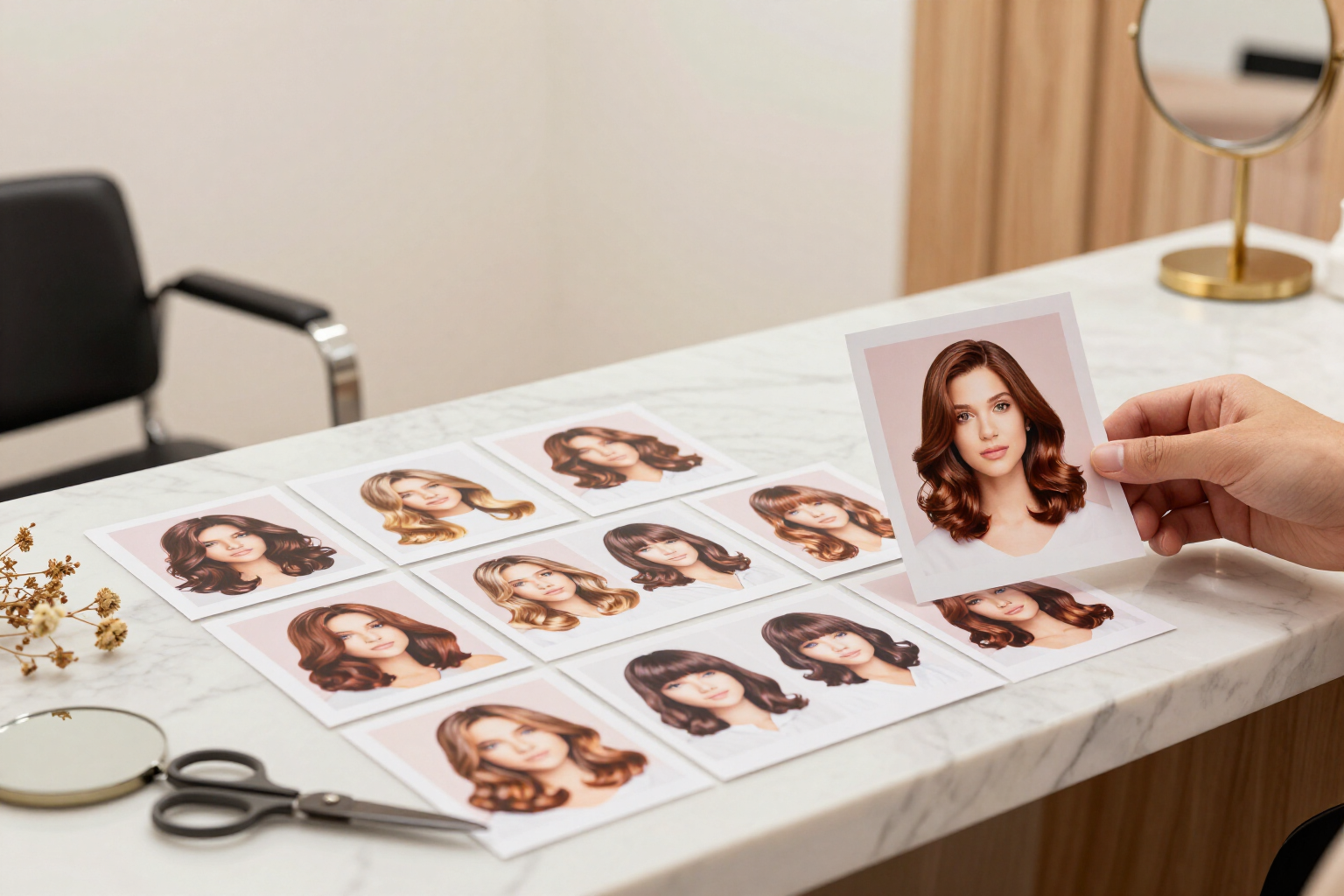
Saved favorites in your account: the hairstyles you like, always at hand
Tap the heart and the look is saved in your Looks Gallery account: haircuts, hairstyles, and colors generated with AI, complete with their image and detail card, waiting for you the next time you log in.
Finding a haircut you like is the easy part. The hard part is remembering which one it was when you're already sitting in the hair salon chair.
Looks Gallery generates various hairstyles based on your own selfie, and then lets you apply hairstyles and colors to each one. When one convinces you, tap the heart: that result becomes a favorite and is saved in your account, not in the browser. If you close the app, switch phones, or come back three weeks later, your favorites are still there.
When saving, the app doesn’t just keep a link: it copies the data you need to recognize the look —the image of the result, the name of the style, the applied color, and the reference to the original result— so the detail card opens fully even if you've generated dozens of versions along the way.
The "My Favorites" screen displays them in a grid of thumbnails, with the count of saved styles at the top. Tapping a card opens its expanded detail: the before/after comparison with your real photo, the style description, daily styling time, maintenance level, touch-up frequency, tags, recommended products, tips for your stylist, and the date you saved it.
From that same detail card, you can download the image, share it using your mobile's share button, or remove the look from favorites with a tap. And if you haven't saved anything yet, the screen tells you so and takes you directly to your results for you to choose.
Benefits of Saved favorites
It is saved in your account, not in the browser
favorites live in your user database, so they survive closing the app, clearing the cache, or logging in from another device.
Haircuts, hairstyles, and colors in the same list
you can favorite an AI-generated haircut, one of the hairstyle variations applied to it, or a color change, and they all coexist in the same gallery.
Saving is a tap, removing is too
the heart functions as a switch from the card and from the detail card, with no menus or intermediate confirmations.
Grid to decide at a glance
two columns on mobile and up to four on large screens, with the number of saved styles visible to compare candidates before choosing.
Each favorite retains its context
not just the photo, but also the before/after against your original selfie, maintenance, styling time, and tips for the stylist of the look you marked.
The shopping list for your appointment
you open the favorite in the salon, show it to the professional, and download or share the image without having to generate it again.
Instant loading
the app keeps a local copy of your favorites to display them upon opening and syncs with your account in the background, so you don't wait for them to load to see them.

Save the look you like before you forget
Upload a selfie, generate your haircuts with AI, and tap the heart on the ones you like. They will stay in your Looks Gallery account, for free.