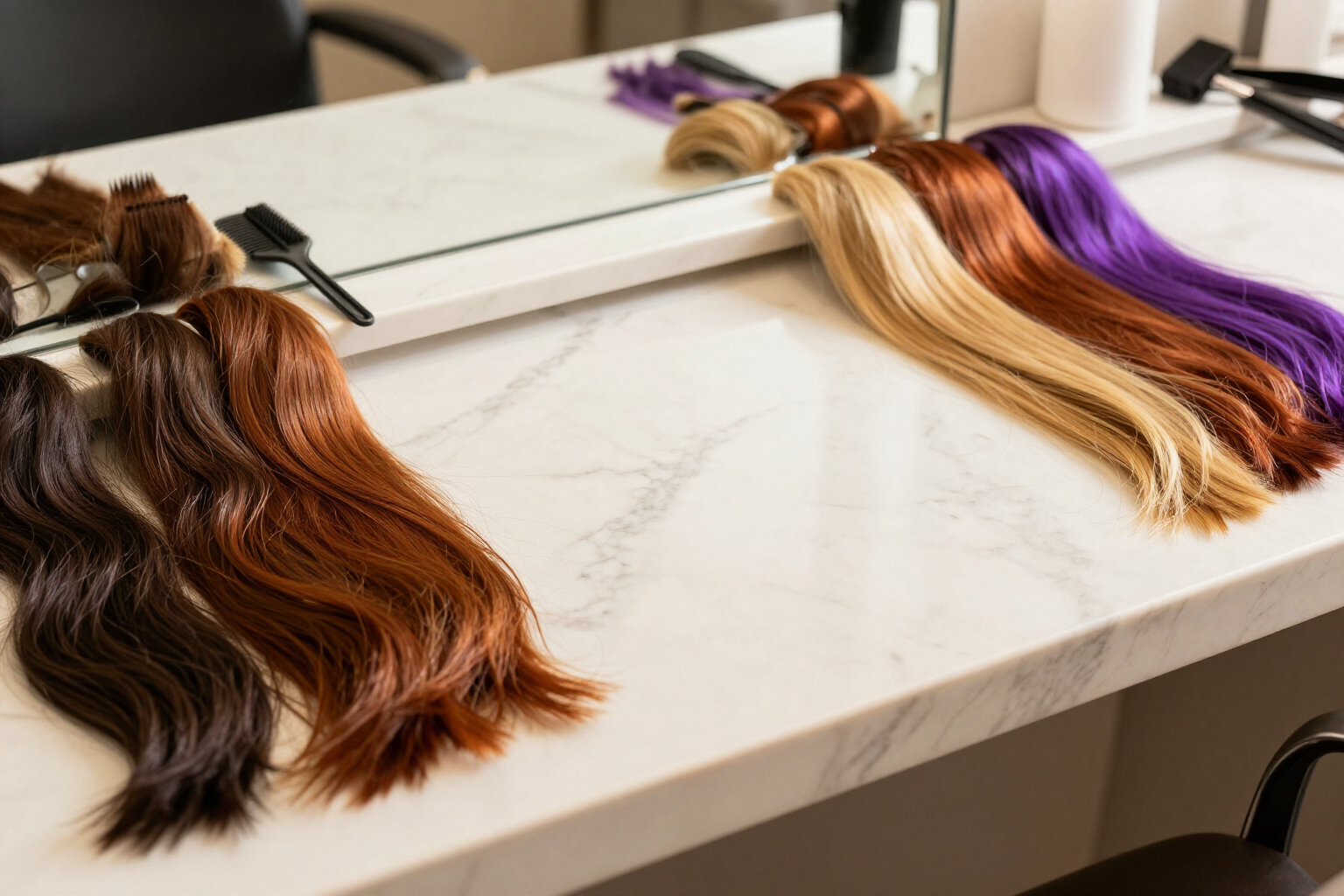
Change your hair color with AI without dyeing
Brunette, chestnut, redhead, blonde, copper, and a sixth trendy shade, applied with AI to your own photo in one go.
Dyeing your hair is the hardest decision to reverse. Before opening the dye, see how each color looks on your face.
Look Gallery (aiLook) is the tool from AIsToHire that generates your haircuts with AI from a selfie and then lets you recolor your hair. When you choose a haircut or hairstyle, a single tap launches six color variations at once: Brunette, Chestnut, Redhead, Blonde, Copper, and a sixth fantasy or trendy shade (Purple in the look card, an ash blonde with balayage in the Colors view). Each one comes with its color sample on the thumbnail, so you see the palette and the result at the same time.
It’s not just a color filter on top. Each variation is an edit of your real image with an AI engine that is instructed to keep the same person, the same face, the same haircut shape, and the same background, changing only the hair color. That’s the point: if the blonde doesn’t convince you, it’s the blonde that doesn’t convince you, not a different portrait.
The six colors are queued together and appear in their slots as they are completed, with a progress bar and counter. If one fails, you retry from its own card without re-launching the other five; and if you’ve already colored that same image before, the app retrieves the colors from your history instead of regenerating them and wasting them again.
The color is applied to any image from your session or your history: a newly generated haircut or the hairstyle you had already chosen. From the card, you can also save the color to favorites and download it to take to the hairdresser.
Benefits of AI Hair Colors
Six colors at once
Brunette, Chestnut, Redhead, Blonde, Copper, and a sixth trendy shade are generated together with a single tap, not one by one.
It's still your face
the AI edits your real photo while preserving the person, face, background, and haircut shape; it only changes the hair color.
About the look you want
apply the color over any generated cut or the hairstyle you have already chosen, not over a catalog photo.
Progressive appearance
each color is displayed as soon as it is ready, with its reserved slot, progress bar, and counter. You don't have to wait for all six to finish.
Visible color sample
each result has the circle of the applied shade over the thumbnail, to compare the palette and result at a glance.
Individual retry
if a color goes wrong, you can relaunch just that one from its card, without repeating the whole batch.
No double spending
if you have already colored that image, the colors are retrieved from your history instead of being regenerated.
Ready for the salon
save the color to favorites and download the image to show it in the salon.
See how you look as blonde, redhead, or brunette before dyeing your hair
Upload a selfie, generate your cut, and color your hair in six different shades. Free at Looks Gallery.