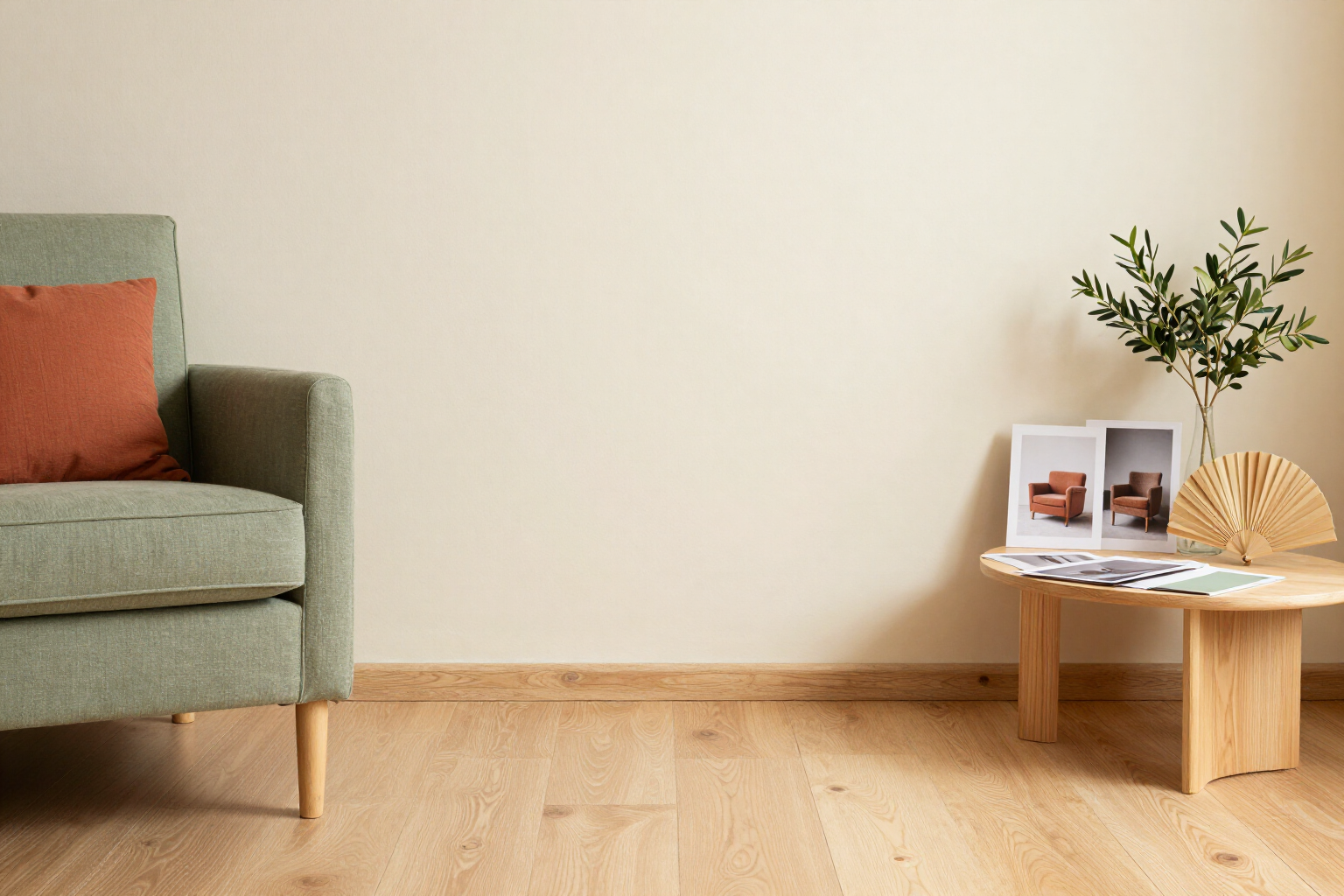
Take a photo of a piece of furniture and find its equivalent
The AI looks at your photo, identifies what it is, its style, and color, and retrieves the most similar furniture from our catalog.
Did you see a sofa in a store, at someone’s house, or in a Pinterest photo and don’t know its name or how to search for it? Take a photo: aiLiving names it and shows you alternatives with measurements.
The visual search of aiLiving is located in the Explore tab, behind the camera icon. You can upload a photo from your gallery or take one on the spot with your mobile camera, and the image is analyzed with an AI vision model that returns five specific details about the main object: the category (sofa, armchair, table, chair, bed, wardrobe, bookshelf, lamp, rug, plant, decoration, or other), the dominant style among the 9 managed by the app, the color in hexadecimal with its common name, the approximate material, and an estimate of the width in centimeters. Additionally, it writes a one-line summary of what it sees.
With this data, the app cross-references its internal catalog of 53 products, each with real dimensions, declared styles, and materials. The matching scores each product based on the search terms the AI has deduced, style matching, and width proximity (less than 40 cm difference), and shows you up to 12 candidates ordered from most to least similar, along with their affinity percentage.
From any of these results, you can open the product sheet, with its measurements, material, and reference price, and add it directly to the project you have open to see it to scale in your floor plan and in 3D view. You can also take it to Tools and place it over a photo of your room to check if it fits before deciding.
It’s a tool for identifying and measuring, not for purchasing: aiLiving does not recognize brands or models, does not provide store links, and does not close any sales. What it gives you is the vocabulary and measurements to search effectively, in the app or wherever you want.
Benefits of Visual search by photo
It names what you can’t name
the AI classifies the object into one of 12 categories, so you stop searching for "low wooden furniture for the living room" and start searching by the correct term.
It tells you the real style, not the one you think
it identifies the dominant style among the 9 used by aiLiving, using the same vocabulary as the style test and the catalog filters, so that everything you choose is aligned.
Hexadecimal color, not «light beige»
it returns the exact code of the dominant color and its name, which you can reuse to create your palette or find its equivalent in commercial paint.
An estimate of the width in centimeters
the AI approximates the size of the object in the photo, and the app uses that data to prioritize products in the catalog with similar widths.
Up to 12 equivalents with measurements
the results come from an internal catalog of 53 products with real dimensions, material, and reference price, sorted by affinity with a visible percentage.
From result to project in two taps
any found product is added to the plan and the 3D view at its real scale, or placed over a photo of your room with the photomontage tool.
Camera or gallery, no intermediate apps
it works from the mobile browser with a camera button, without installing anything and without having to crop the image manually.
Designed to decide, not to sell
no brand recognition, no purchase links, and prices marked as reference, so what you get is information, not a cart.

Take a photo of the furniture you like and find yours
Create your free account, go to Explore and tap the camera icon: in seconds you’ll get category, style, color, and a list of equivalents with measurements.