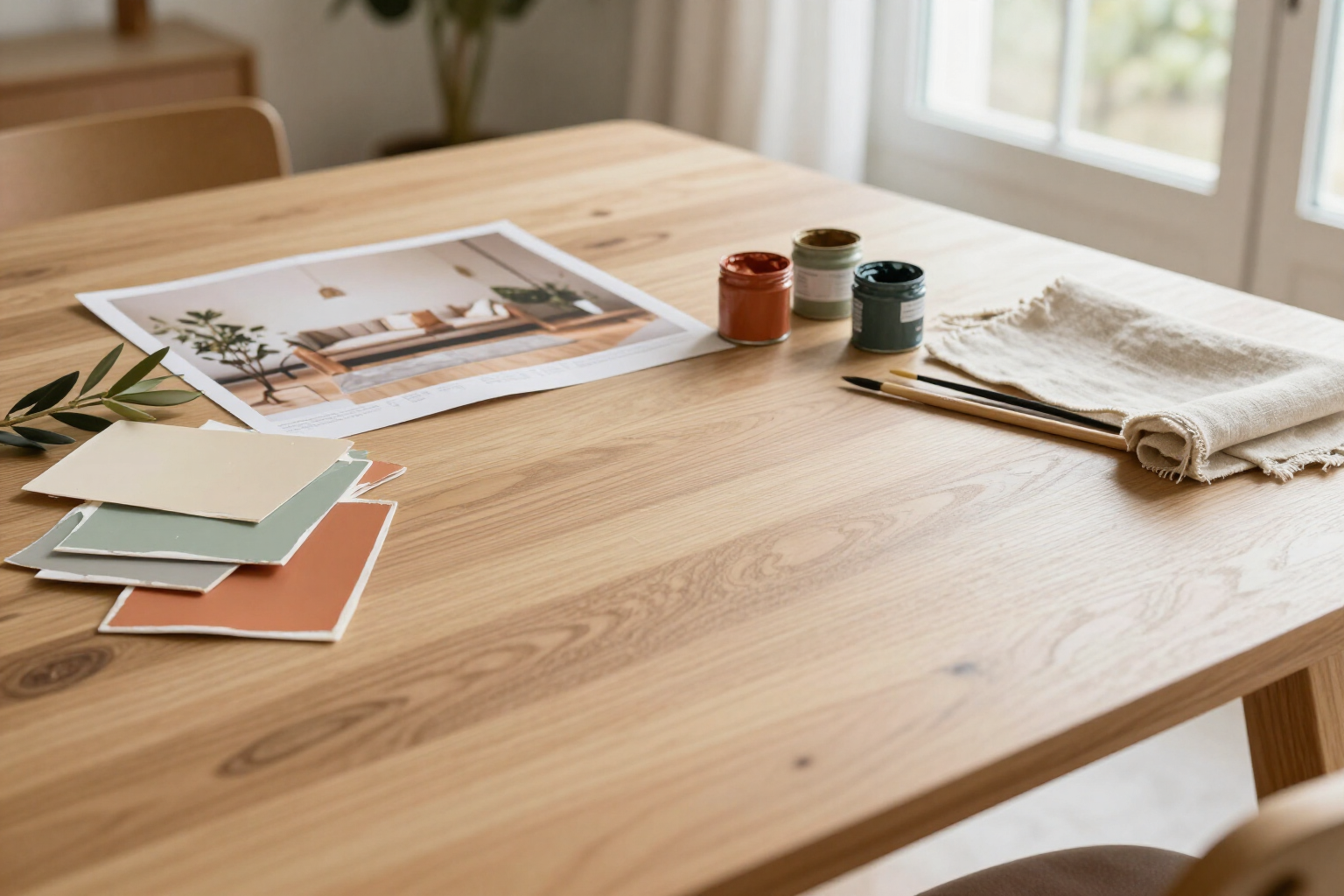
Extract the color palette of your home from a photo
Upload an inspirational photo and aiLiving returns the dominant colors distributed in 60-30-10, along with the closest commercial paint can and the liters you need.
Choosing a color is not just picking a can: it’s deciding how much of each color goes into the room.
aiLiving extracts the palette from any photo —a room you like, a tile, a landscape— using k-means color clustering in Lab space, which resembles how the eye distinguishes colors rather than how they are stored in a file. It identifies the five most prominent colors and orders them by the area they occupy in the image. All calculations are done on your mobile device using the photo itself: nothing is uploaded to any server.
With that order, the app automatically assigns the roles of the classic interior design rule: the color with the largest area is the dominant 60% (walls and large surfaces), the next is the secondary 30% (upholstery, textiles, carpentry), and the third is the accent 10% (an accent wall, cushions, a standalone piece of furniture). The remaining two colors are extras for details. If you don’t have a photo, you can start from the palette of any of the 9 styles in the app —Nordic, industrial, Japandi, and others— and adjust it from there.
Each color in the palette is translated to the closest commercial paint from a catalog of 18 references, with its name, RAL code, and NCS equivalence. The app marks with a «≈» when the color from your photo does not match exactly with the can, so you know it’s an approximation and not a calibrated color. It also calculates the WCAG contrast between the dominant and the accent colors and alerts you when it falls below 3:1, the point at which two colors stop being perceived as distinct and the combination appears flat.
From there, everything continues within the project: a tap on «Use» paints the wall in the plan with that color, and the paint calculator converts the square meters of the space into liters and cans. It deducts doors and windows, adds an extra coat if going from dark to light, works with a coverage of 11 m² per liter and coat, and proposes the combination of containers —from 0.75 to 15 liters— with its estimated price. aiLiving is an app by AIsToHire: https://aistohire.com/ailiving-interior-and-garden-design-97
Benefits of 60-30-10 Color Palettes
The colors that the photo truly dictates
the k-means clustering in Lab space orders the colors by the area they occupy, so you don’t end up with an eye-catching detail thinking it’s the room’s color.
The 60-30-10 distribution is already done
it not only tells you which colors to use, but also how much of each and in which elements. It’s the difference between a pretty palette and a room that works.
From color to can
each shade comes with its closest commercial paint among 18 references, including name, RAL, and NCS, so you can order it in the store without bringing a photo on your phone.
WCAG contrast warning
the app calculates the ratio between dominant and accent colors and alerts you if it drops below 3:1, before you paint and find out the accent isn’t visible.
Works without a photo too
9 ready-to-use style palettes as a starting point, from Nordic to Japandi, with their five tones already balanced.
The palette is applied to the project
one touch and the color transfers to the wall of your 2D plan and 3D view, along with the equivalent paint material.
Liters and cans, not just colors
the calculator converts the m² of the room into liters, accounting for doors and windows, and suggests containers with their estimated price.
It’s calculated on your mobile
the extraction runs on the photo on the device itself, without uploading it to any server and without waiting for a network response.

Your palette, in the time it takes to upload a photo
Create your free account at aiLiving, upload the photo you like, and see the colors distributed in 60-30-10 with their equivalent paint.