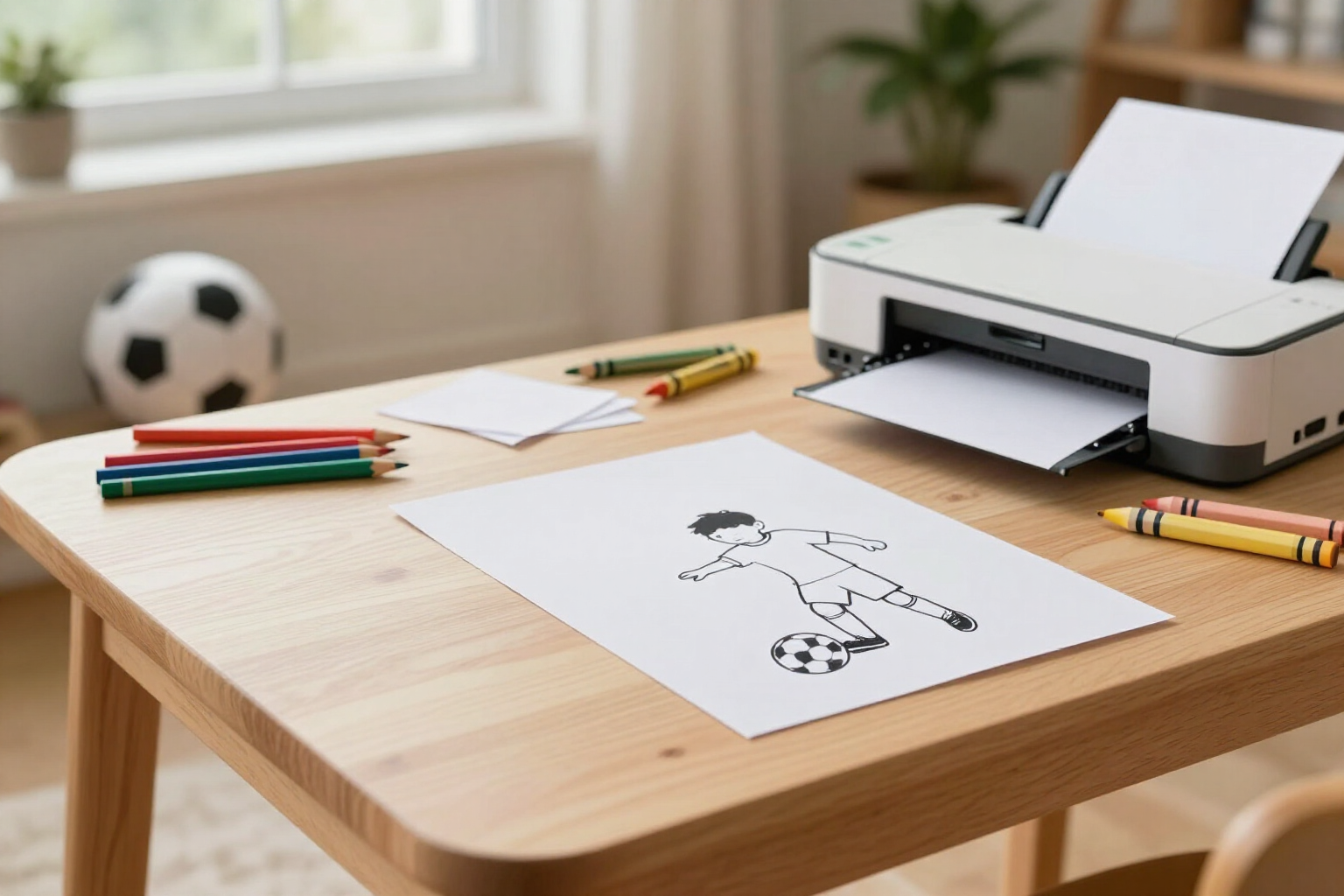
Print your coloring drawing with one click
From mobile to paper in seconds: aiColorCup opens your sheet in full page, turns off the margins, and starts the print automatically.
A coloring drawing is only truly useful when it's on paper, with pencils beside it and without anyone having to struggle with printer settings.
aiColorCup converts a photo into a black and white coloring sheet: the person in the photo appears wearing the jersey of their national team for the 2026 World Cup, kicking towards the goal, with their name, squad number, and the game score. When the image is ready, the result screen shows the "Print to color" button.
That button doesn't take you to a settings menu or force you to download anything beforehand. It opens a new window with the sheet in full page, sets the page margins to zero so the drawing fills the entire sheet, and triggers the print as soon as the image finishes loading. Upon confirmation, the window closes automatically and you return to your drawing.
The result is designed for paper from the very beginning: simple black line on pure white background, without shadows or grays that soak up ink, without colored backgrounds, and without decorative elements that hinder painting. It’s what you need for an afternoon of coloring, for a birthday party, or to hand out a sheet per child in class.
Everything happens in the browser, on mobile, tablet, or computer, without installing any app and without manually converting the image. If you prefer to save it instead of printing, the same result panel also has download and share buttons.
Benefits of Print to color
One click, zero adjustments
the button opens the print view and triggers window.print() for you; no cropping, resizing, or searching for hidden options.
A full-page, borderless design
the printable sheet is printed with zero page margins, allowing the drawing to utilize the entire sheet and making the lines large and easy to color.
Pure white background, sharp printing
the image is generated with a forced white background and black line art, designed to use little ink and produce clean strokes.
No intermediate downloads
you don't need to save the file, search for it in the gallery, and open it with another app; it prints directly from the results screen.
Works from mobile too
it functions in the phone or tablet browser with any printer configured in the system, including 'Save as PDF.'
As many copies as you want
the printable sheet stays in your 'My Photos' history, so you can reprint it when it gets stained, torn, or when more kids arrive.
A different sheet for each child
each photo, selection, name, and squad number provides a different drawing, and each prints just as quickly.

Your World Cup 2026 printable sheet in minutes
Upload a photo, choose national team, name, squad number, and score, generate the drawing, and click "Print to color". Free and no installation required.