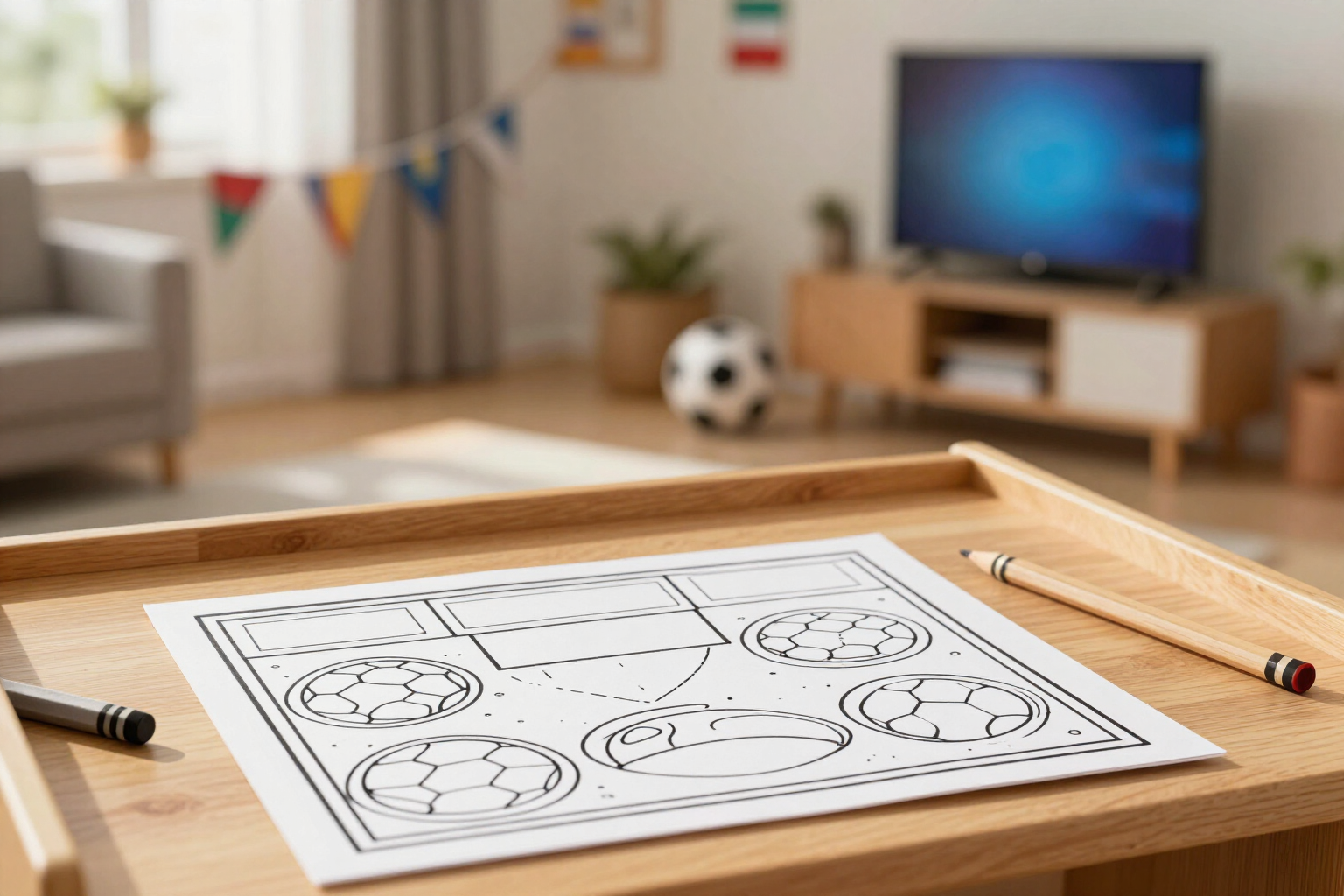
World Cup 2026 scoreboard in your coloring sheet
Choose the match result and aiColorCup draws it on the coloring sheet, just like a TV broadcast scoreboard.
aiColorCup, the drawing app for the FIFA World Cup 2026 by AIsToHire, goes beyond the player: it adds the match scoreboard within the sheet, featuring both teams and the result you decide.
In step 5 of the aiColorCup assistant, you choose the match result. The screen shows a scoreboard reminiscent of a World Cup TV broadcast: a top banner with the label "FIFA World Cup 2026", the flag, and the three-letter team code for each national team on the sides, with the result in the center. Two + and − buttons per team increase or decrease each goal tally, from 0 to 20, and the scoreboard updates in real-time: you see exactly the match you are going to bring to paper.
That result is not just a screen decoration: it travels with the generation request and the AI draws it within the sheet. At the top of the illustration, there is a scoreboard in black outline on a white background with your team's name, the result, the opponent's name, and below it, the label of the 2026 World Cup. Everything in outline, like the rest of the drawing, so the scoreboard can also be colored.
If you skip the opponent step, the scoreboard is drawn against "Opponent" in your language, ensuring the sheet still makes sense even if you only chose your team. And when the generation is complete, the scoreboard reappears on the results screen and in miniature within "My Photos", allowing you to quickly recognize which match each sheet in your history corresponds to.
Everything happens in the browser, with no installation required, and the result comes out in black and white on a pure white background for clear printing at home or school.
Benefits of The TV-style scoreboard of the sheet
You decide the match
an editable scoreboard from 0 to 20 per team with + and − buttons, without typing or choosing from a closed list of results.
TV style preview
before generating, you see the scoreboard with the "FIFA World Cup 2026" banner, the flags, and the three-letter team codes of both teams.
Inside the drawing, not on top
the scoreboard is part of the illustration in black outline, not a sticker added afterward on the image.
Also colors
since it's drawn in outline on white, the person coloring can fill in the scoreboard with any colors they want.
Both teams on the scoreboard
your national team and the rival appear with their names and the score between them, just like on a real match scoreboard.
Works without a chosen rival
if you skip it, the printable coloring sheet shows the scoreboard facing "Rival" translated into your language.
Memory of your matches
the scoreboard repeats on the results screen and in the "My photos" history, with the status of each generation.
Ready to print
the coloring sheet is generated in black and white on pure white background, designed to print cleanly on a home printer.

Win 3-0 on your own FIFA World Cup 2026 coloring sheet
Choose the two teams, move the scoreboard to your desired result, and download the drawing with the match already written inside.