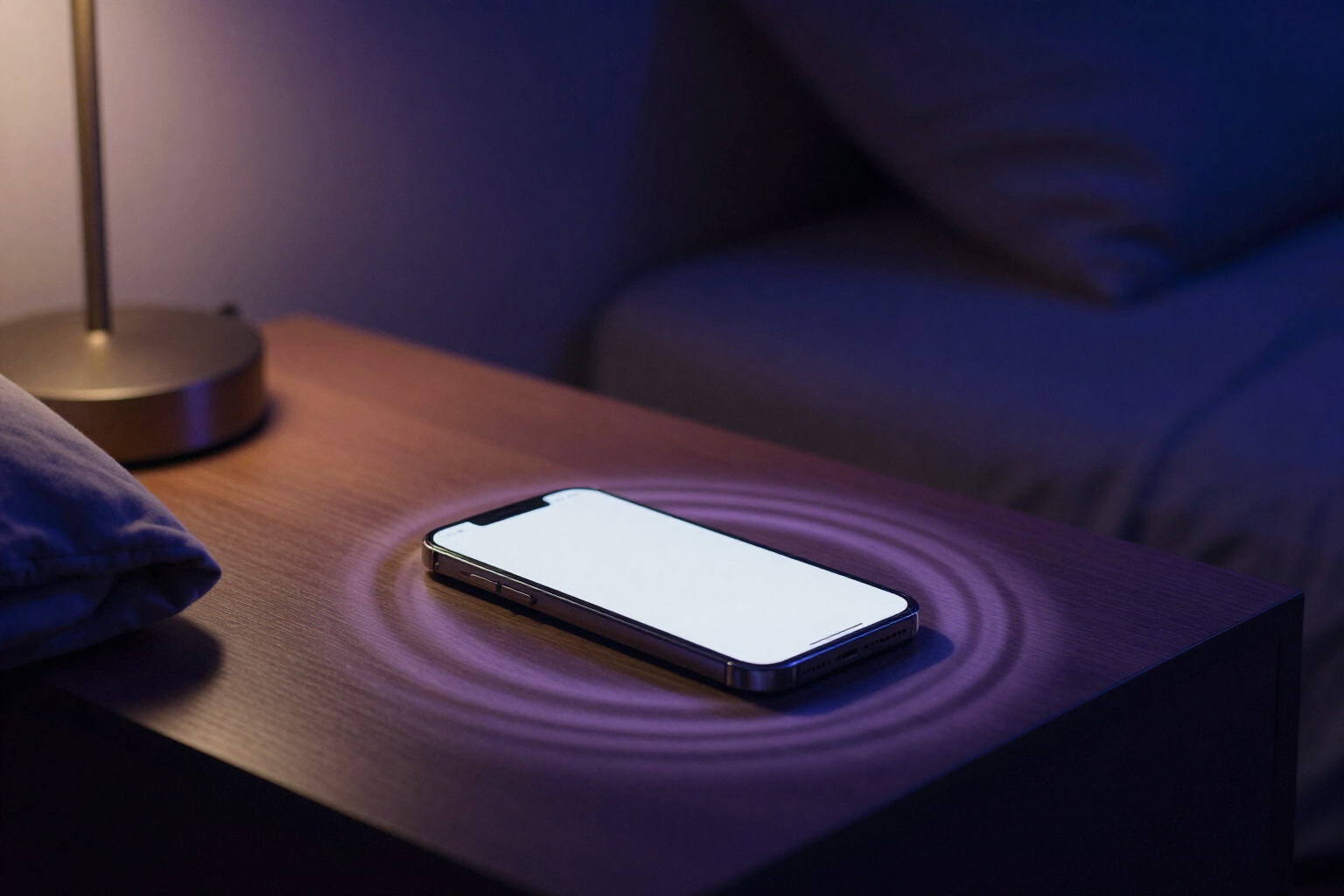
Let your mobile read the meditation aloud for free
aiCalm uses the voice already on your device to read the meditation step by step: no downloads, no waiting, and not a single credit spent.
You don't need to pay for a voiceover to guide you: your phone already knows how to speak, and aiCalm knows how to make it speak slowly.
When aiCalm writes a meditation for you, you can read it on screen or ask to have it read to you. In the player, the 'Voice' button offers you two paths: the guided voice of aiCalm, which is a natural voiceover prepared once, or the voice of your own device, which works with the speech engine that your browser already has (the Web Speech API). This second option is what this page covers: it activates with a tap, sounds instantly, and does not consume credits or tokens, neither the first time nor the fiftieth.
The difference with pressing 'read aloud' in any app is the pace. A normal screen reader reads at reading speed, and that ruins a meditation: it rushes you just when you're trying to let go. aiCalm slows the device's voice to 0.75 speed for a regular meditation and to 0.68 when the pace is a bedtime story, because there you want the voice to fade away.
It also ensures that the voice does not compete with the background. While it speaks, the brown noise of the session drops to 40% of its volume and rises again as soon as the phrase ends, so you hear the cue without losing the feeling of being inside something. And the session timer waits: if a phrase takes longer than its pace, the timeline freezes for a few seconds and leaves silence before the next, instead of overlapping.
The voice is chosen based on the language of the meditation, not the language you are browsing in, and aiCalm prioritizes female voices and those marked as premium or neural from your system, which sound the least robotic. If you prefer another, in Settings you have the list of voices installed on your device and a 'Try' button to listen to them before deciding.
Benefits of Device Voice
Zero credits, always
the voice comes from your device, not a server. Listening to a meditation once or a hundred times costs exactly the same: nothing.
Meditation pace, not reading pace
0.75 speed for a normal meditation and 0.68 for a bedtime story. No rushed voice reading to help you relax.
The background fades when it speaks
the brown noise drops to 40% while the voice is on and returns to its volume after the sentence ends, without abrupt cuts.
It doesn't interrupt the phrases
if an instruction lasts longer than its duration, the session timer freezes and leaves a silence before continuing.
In the language of your meditation
the voice is chosen based on the script's language, not the navigation language, so a text in Spanish isn't read by an English voice.
You choose the voice
aiCalm suggests the best available on your system, and in Settings, you can see all installed voices and try them before settling on one.

Press play and let your mobile read it to you
Create your free account at aiCalm, request your meditation, tap 'Voice' and choose the one from your device. No credits, no downloads, and no setup required.