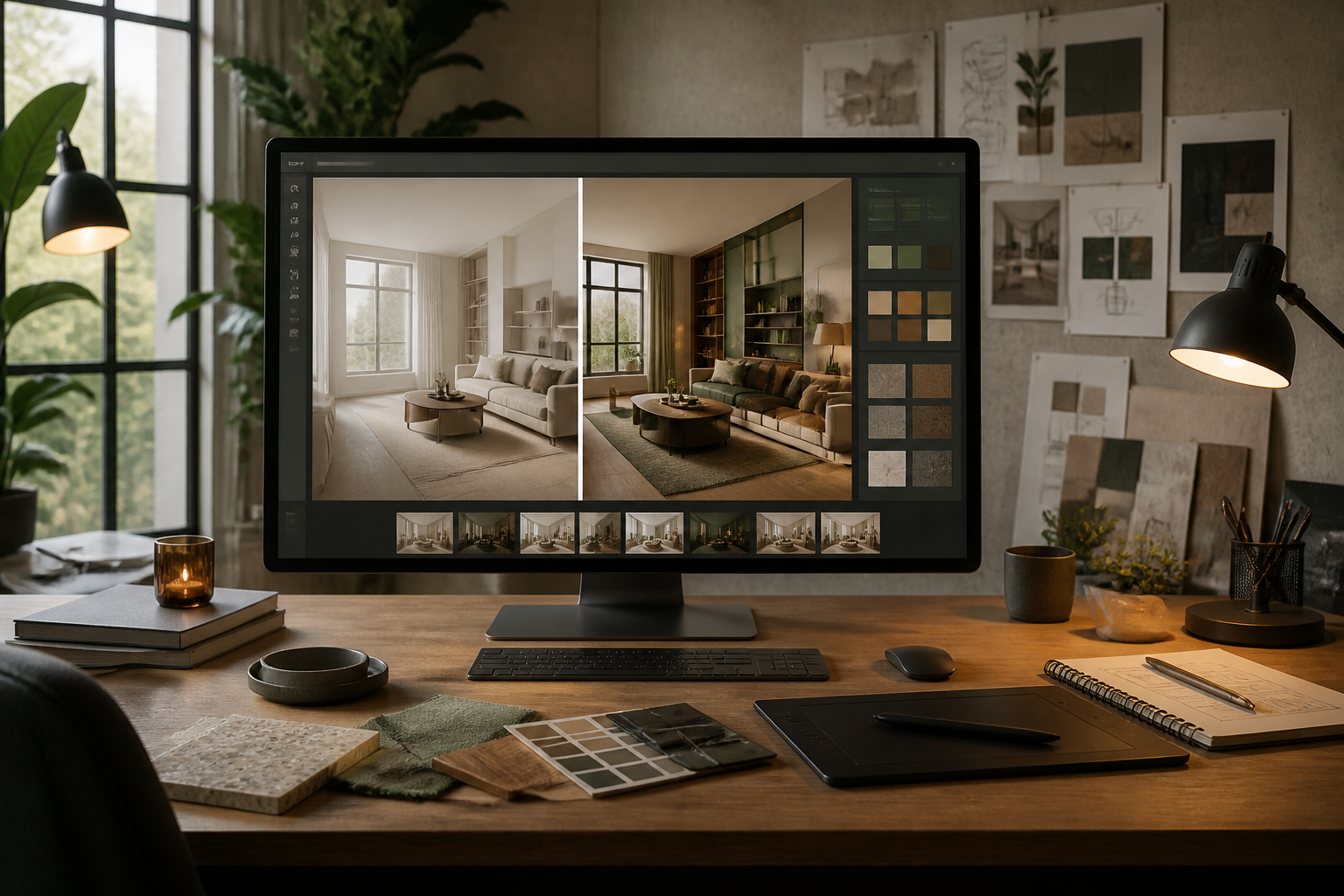
aiSpaceDesign · Redesign any space by talking to AI

Upload a photo of a room, a floor plan or an exterior and ask for changes the way you would ask your interior designer. Every idea is saved as a version, so you can go back and try another path without losing anything.
Do you want to see how your space would look before spending a single euro on the renovation?
aiSpaceDesign turns a photo into an ideas lab: change the entire style, the flooring, the paint or the furniture, empty the room to refurnish it, or transform a floor plan into a realistic view. You mark the area you want to change with your finger and the rest of the image stays untouched.
Start for free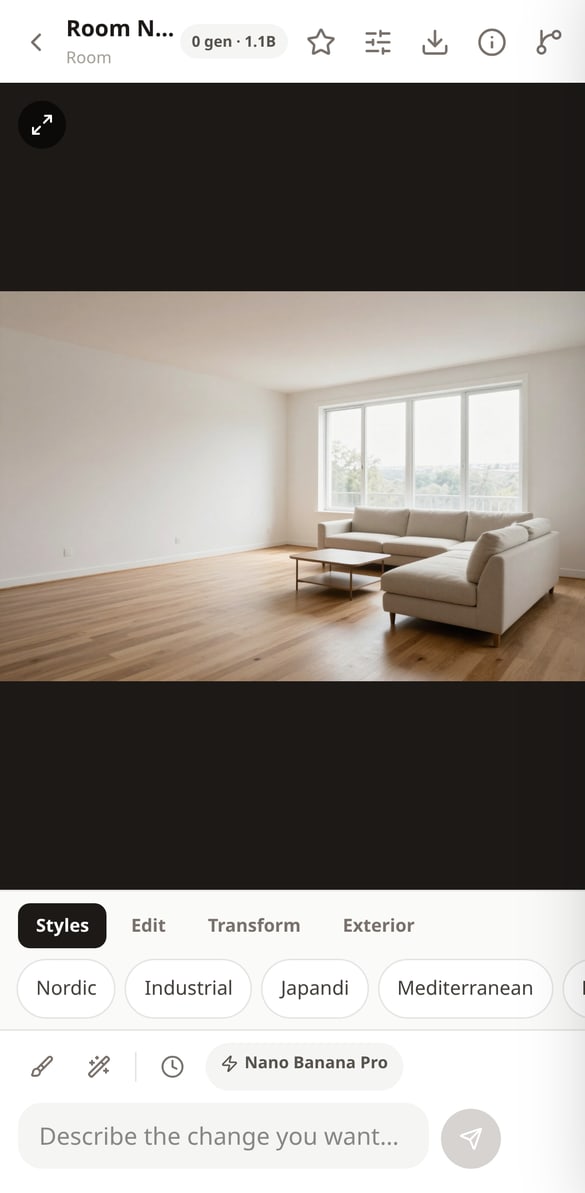
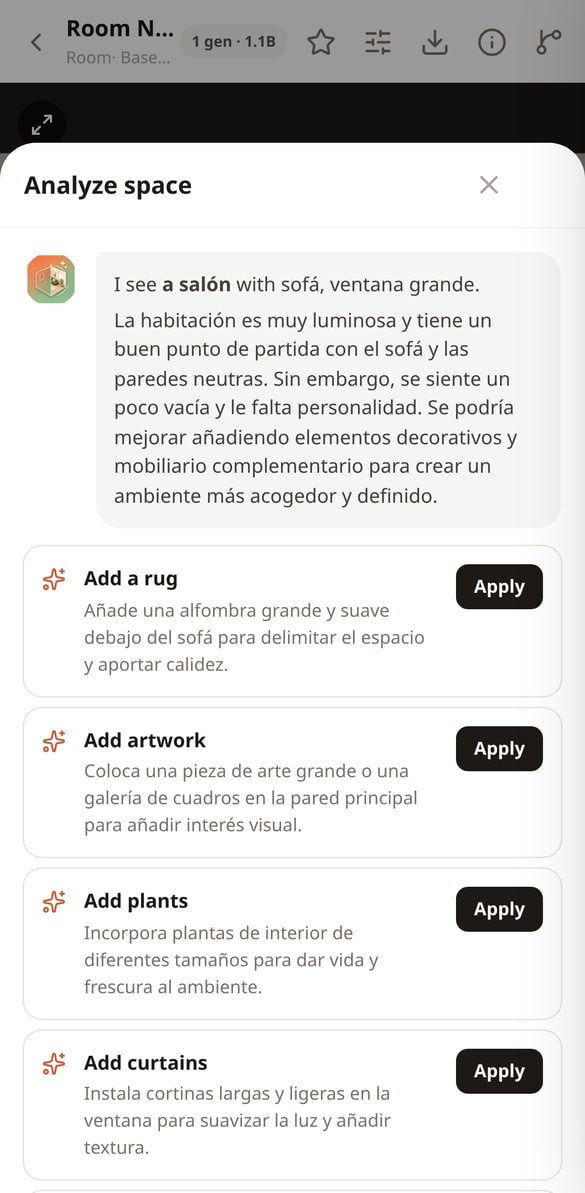
Discover every feature in detail
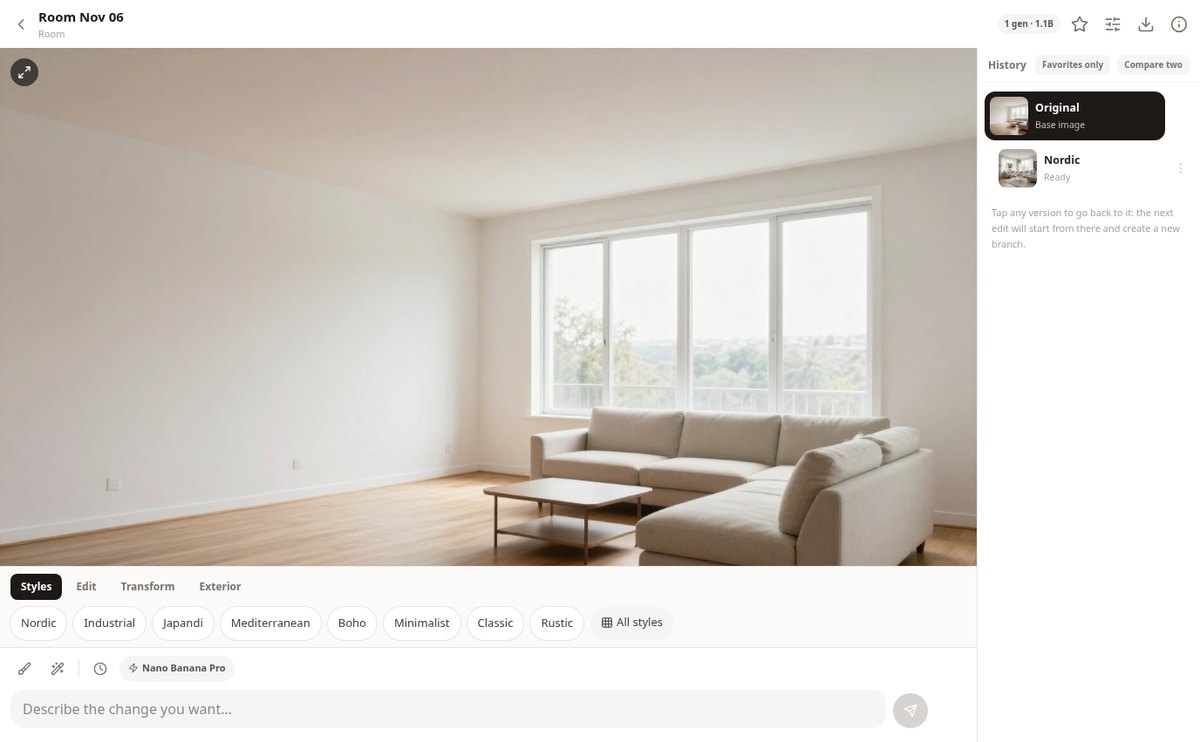
AI design editor in chat with version history | aiSpaceDesign
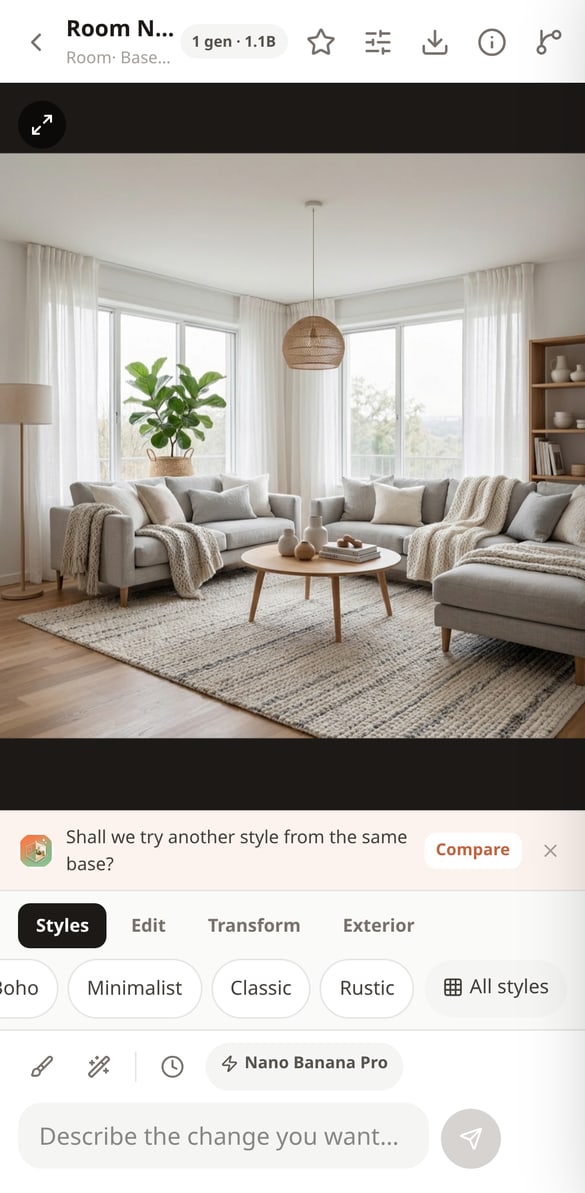
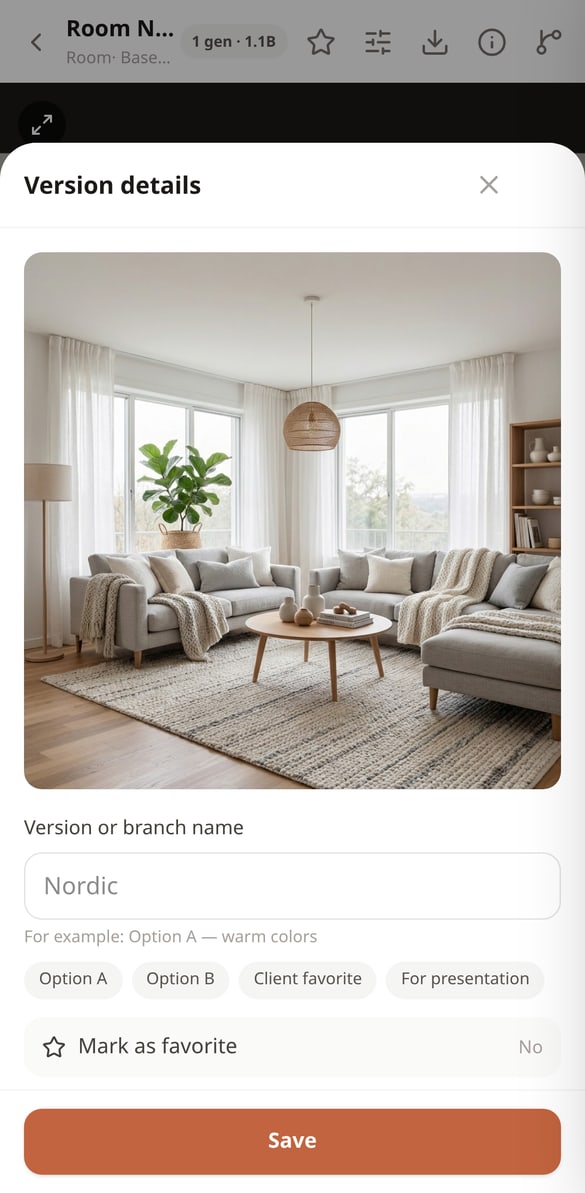
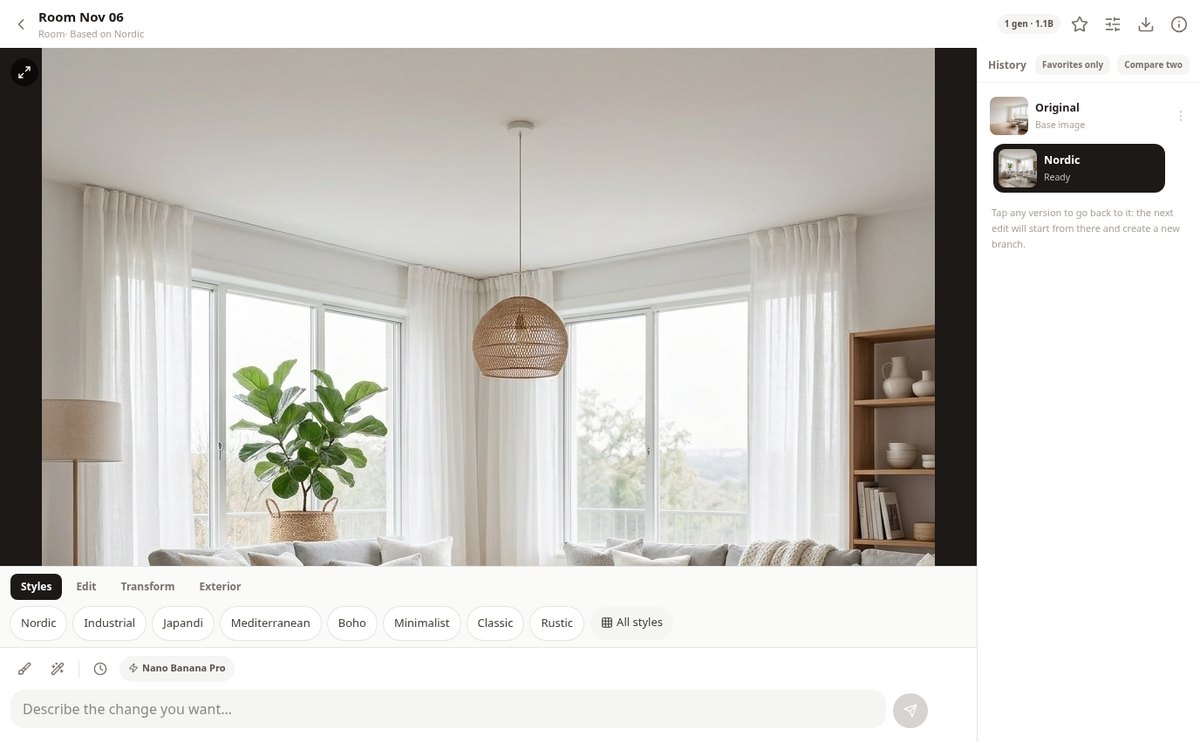
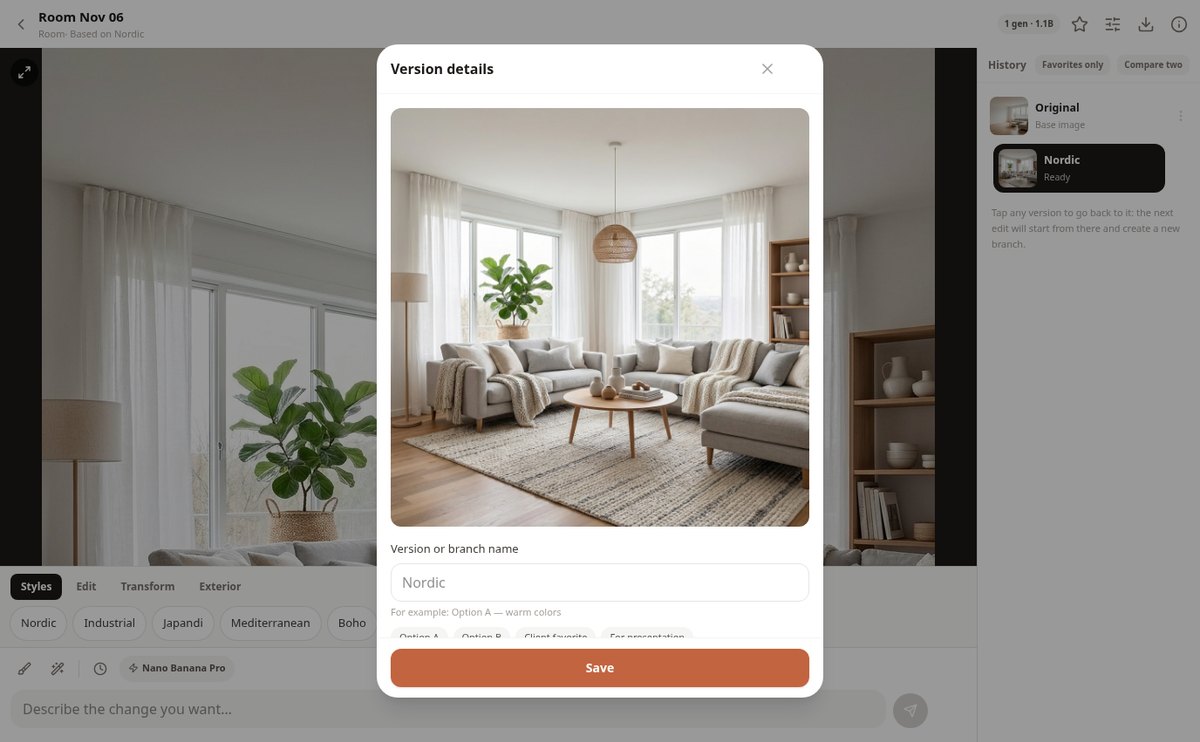
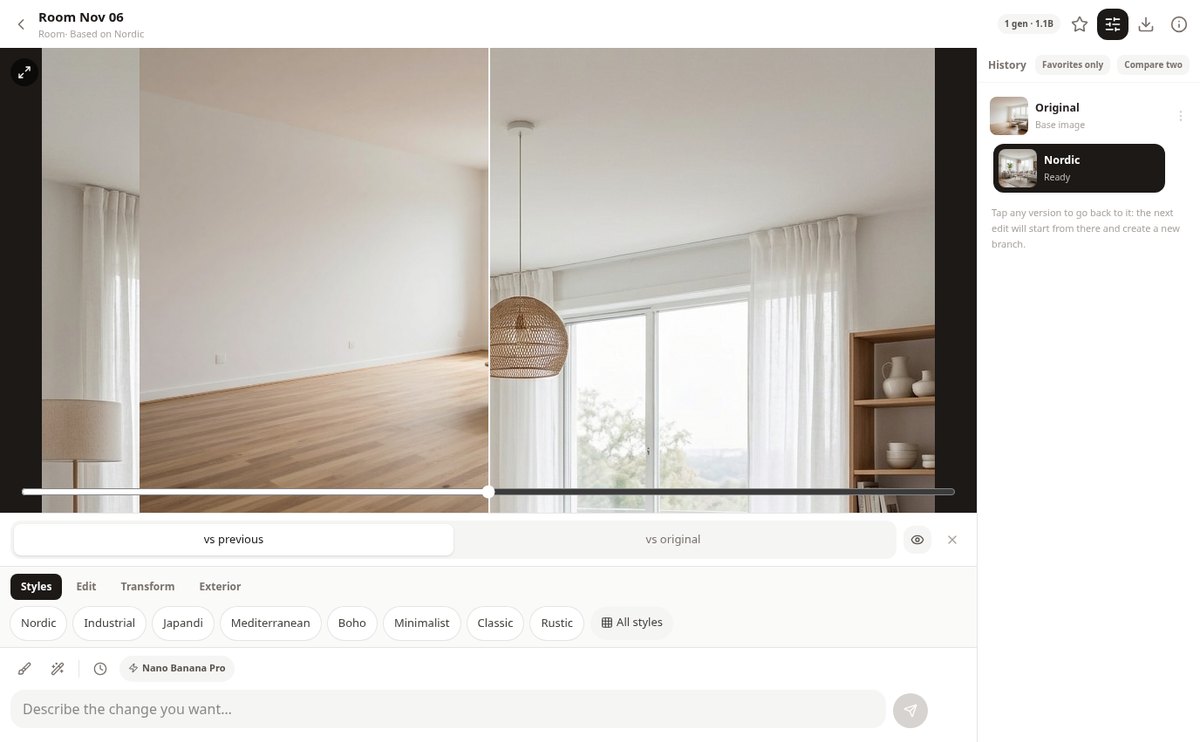
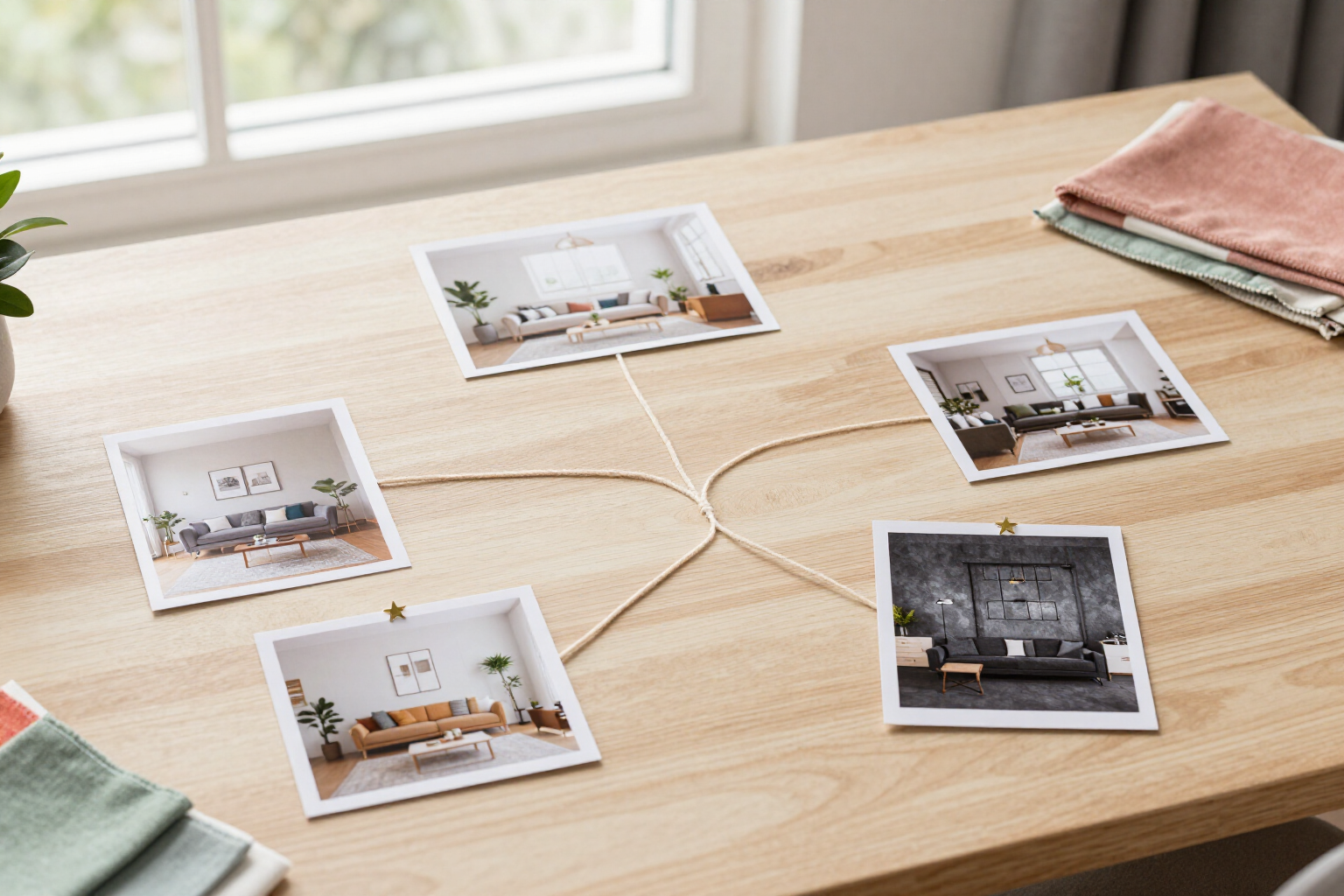
Edit your room by typing like in a chat: each change creates a new version in a git-like tree. Go back, branch, compare with a slider, and mark favorites.
View feature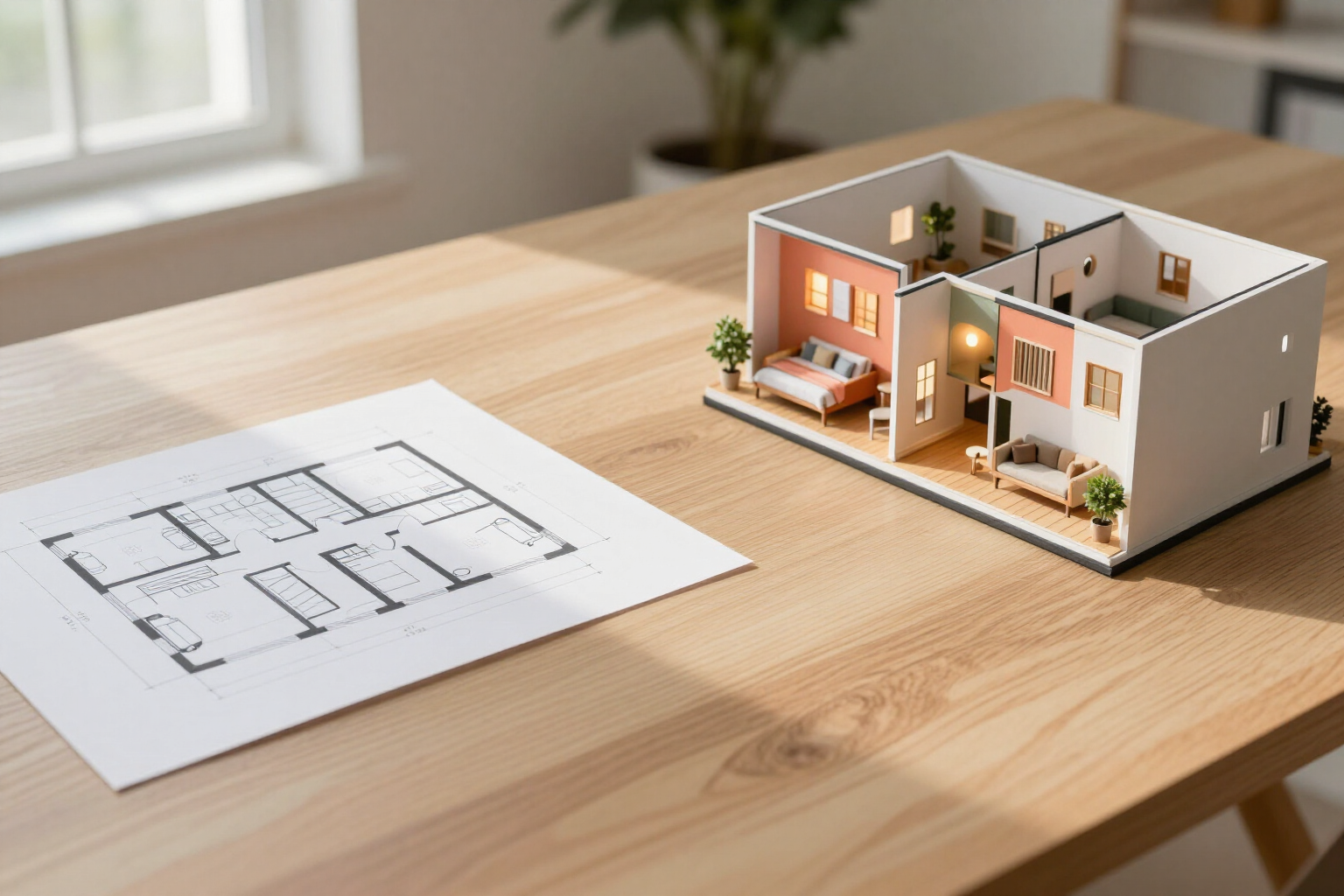
Convert a 2D floor plan to 3D render with AI | aiSpaceDesign
Upload a floor plan and the AI converts it into a photorealistic 3D isometric render, in eye-level interior views or in a walkthrough of up to 8 views, respecting walls, doors, and proportions.
View feature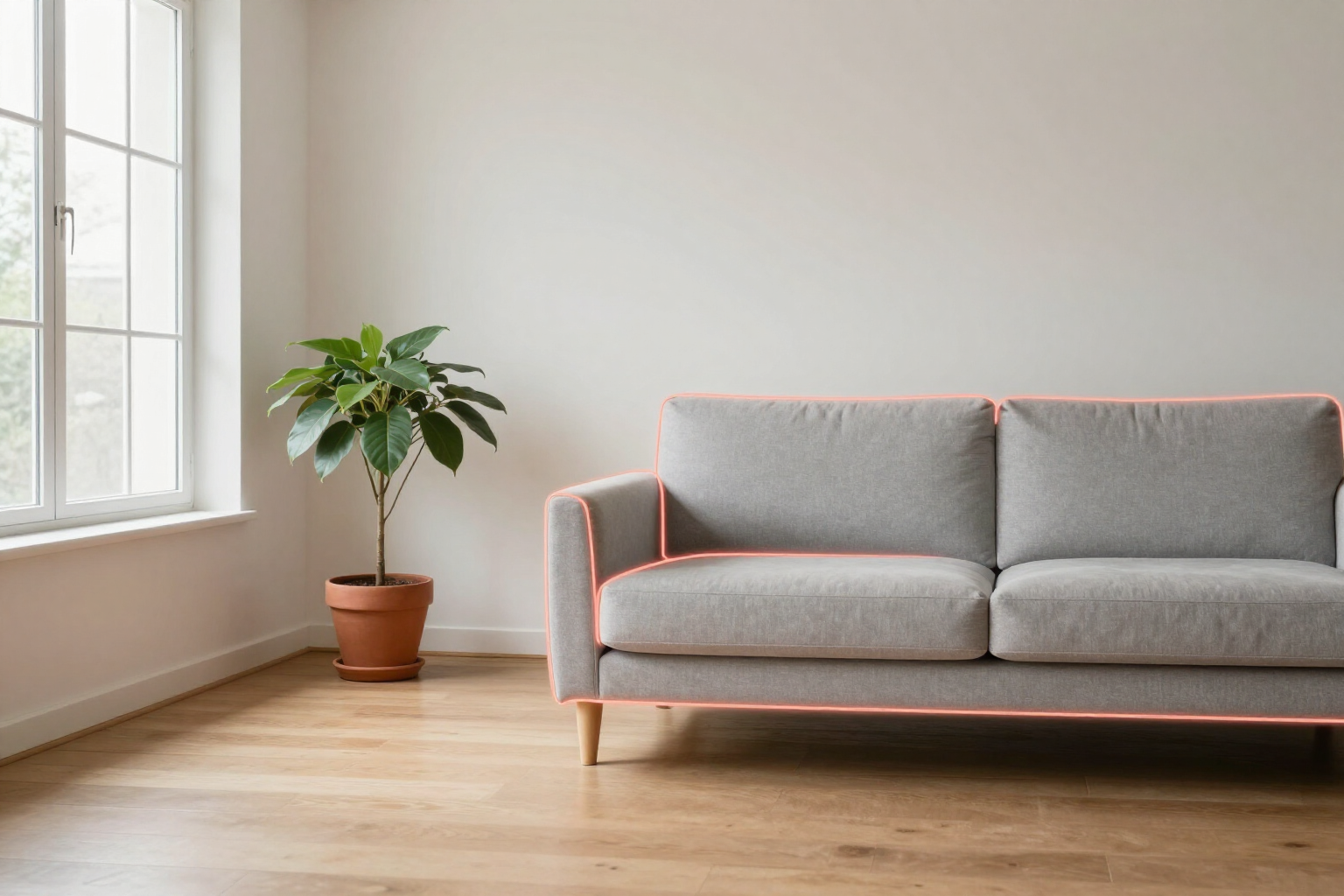
Change just a part of a photo with AI | aiSpaceDesign
Paint with your finger the area of the photo you want to change or tap an object for the AI to crop it, and apply the change only there: the rest of the room remains the same.
View feature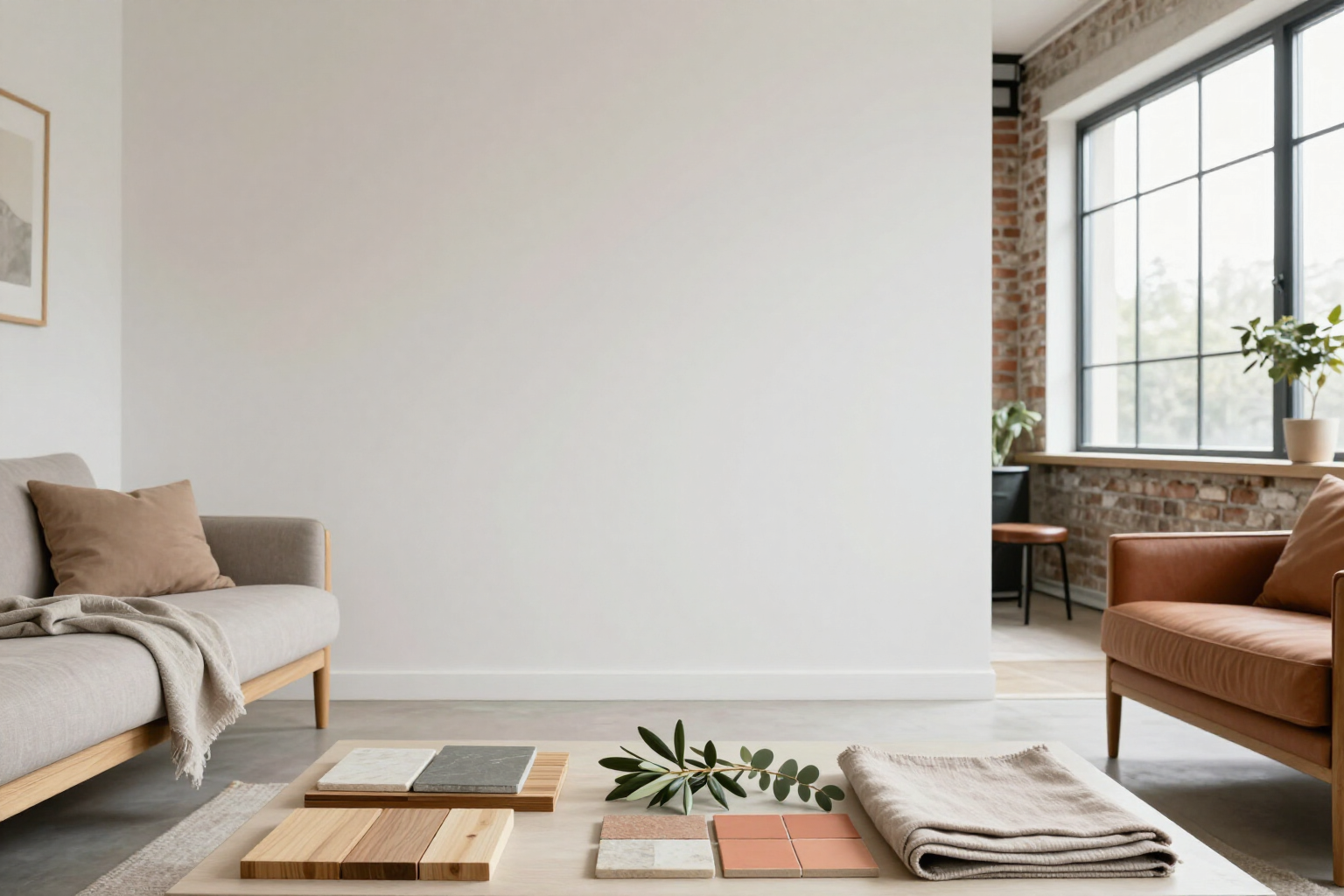
Change the decoration style of a photo with AI | aiSpaceDesign
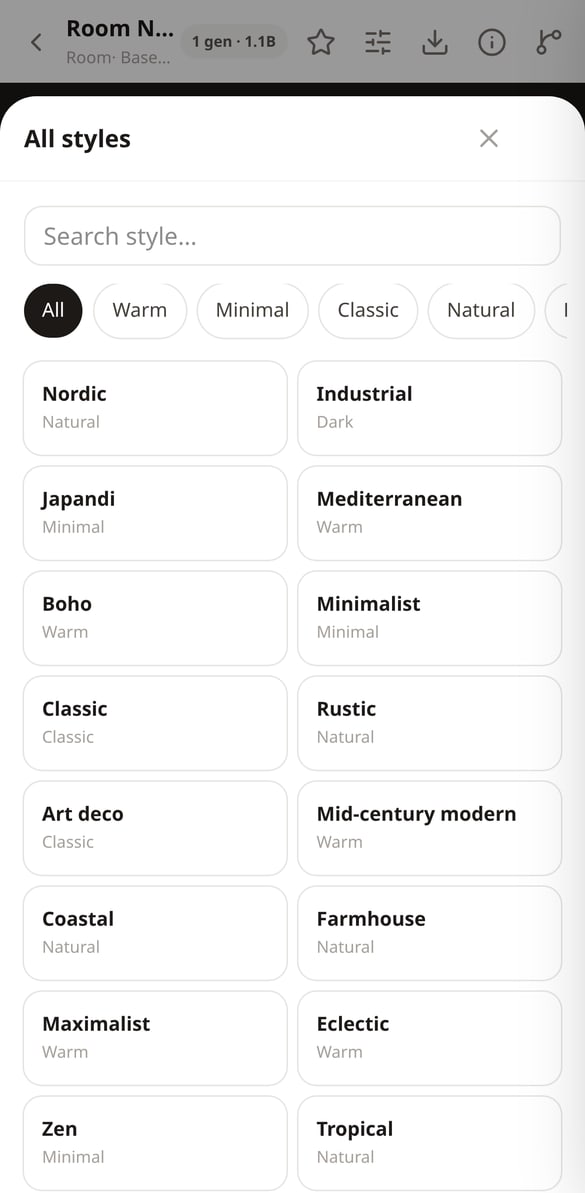
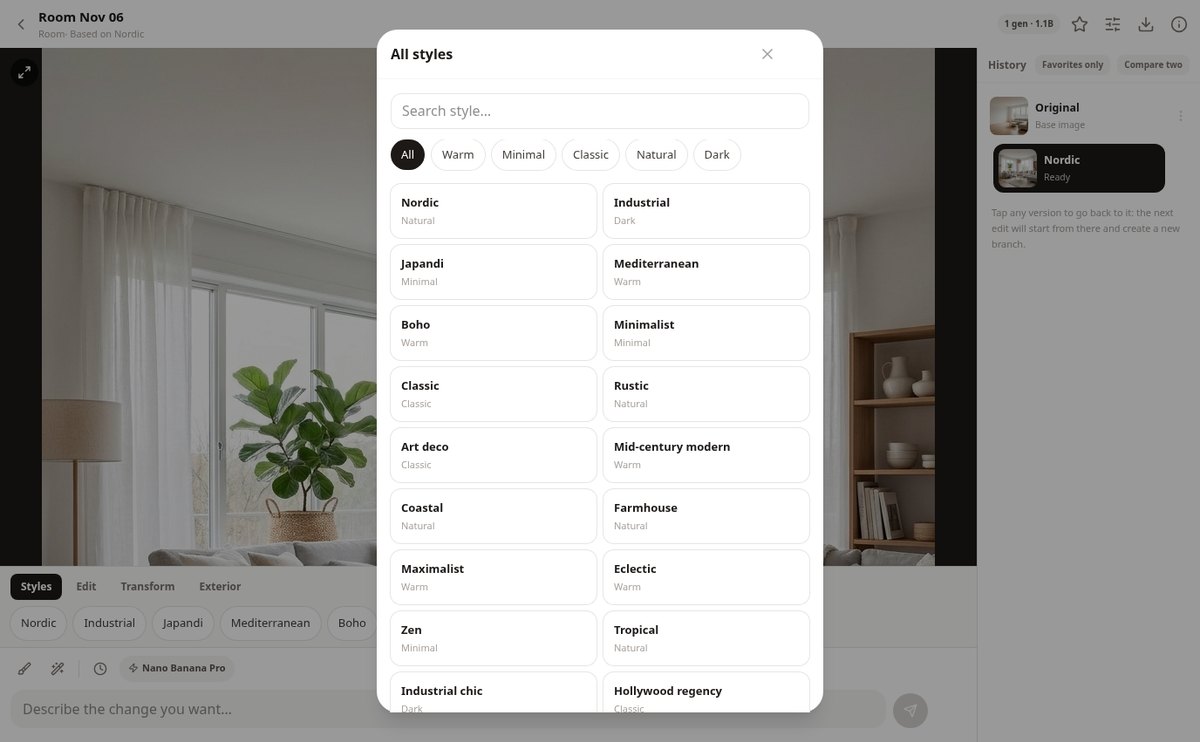
Upload a photo of your room and apply 36 decoration styles with a touch: Nordic, japandi, industrial, Mediterranean, boho, mid-century, and 6 landscaping styles, with a search tool and filters.
View feature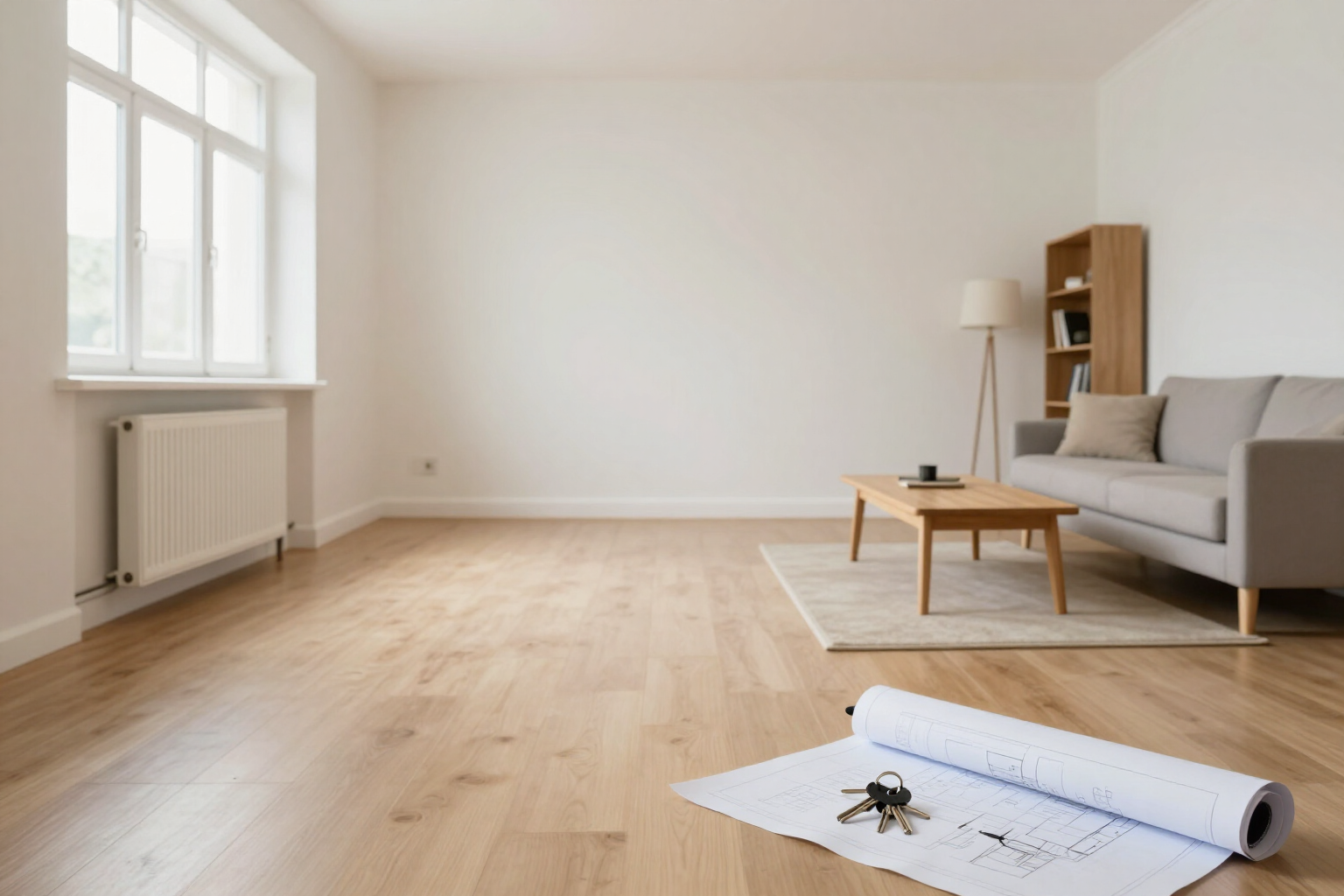
Virtual home staging with AI: empty and furnish a photo | aiSpaceDesign
Empty the room of a photo and refurnish it in a neutral style with AI. For real estate agencies: remove furniture, reconstruct floors and walls, export with digital editing notice and PDF before/after.
View featureFrom “let's see how it would look” to “this is how it will look”
Three things a filter can't do: change only what you mark, understand a floor plan, and save every idea without overwriting the previous one.
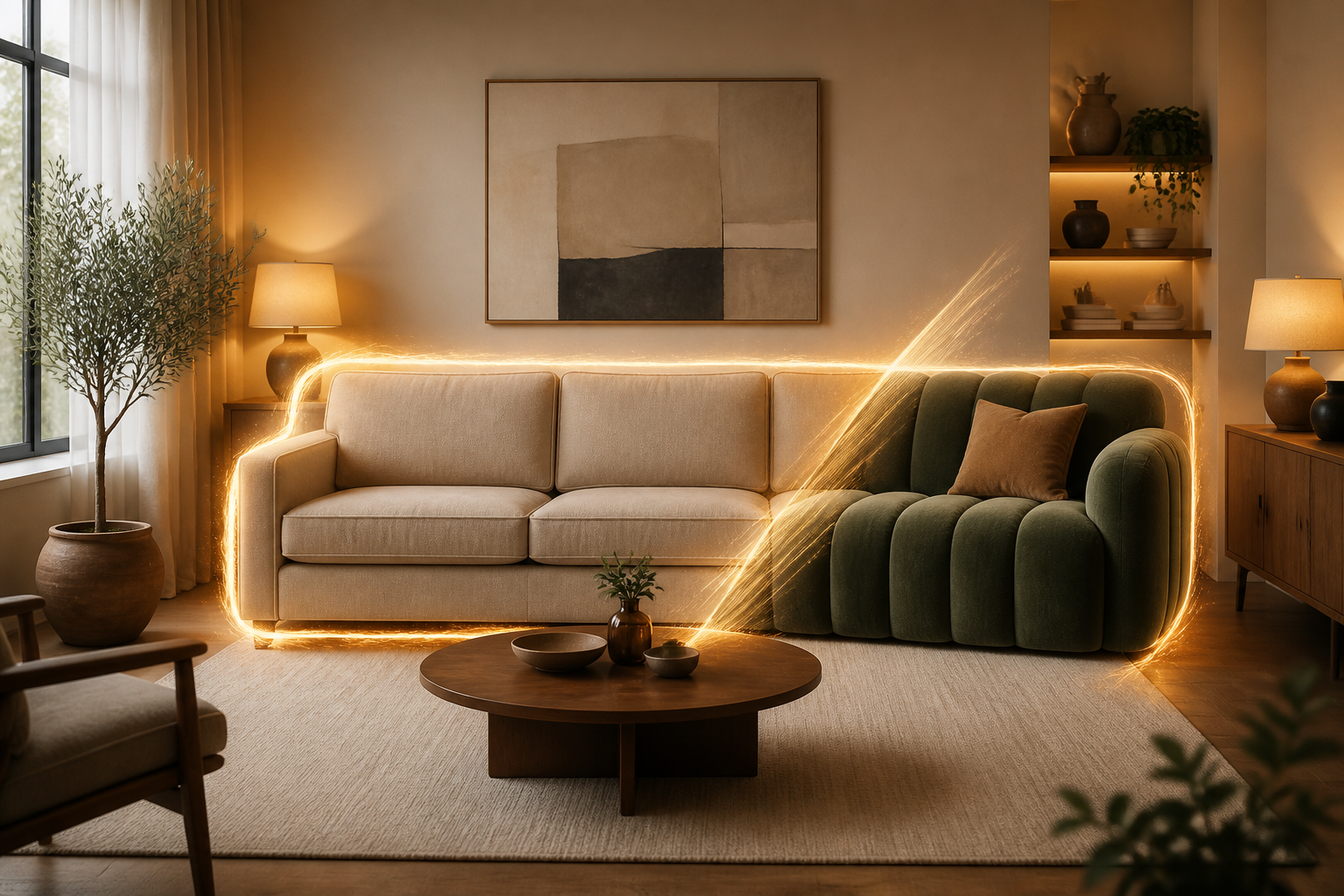
Change only the area you mark
Paint the sofa, a wall or the floor with your finger —or tap the object and AI outlines it for you— and request the change only there. You have an eraser, undo stroke by stroke, and a before-and-after slider to see exactly what changed.
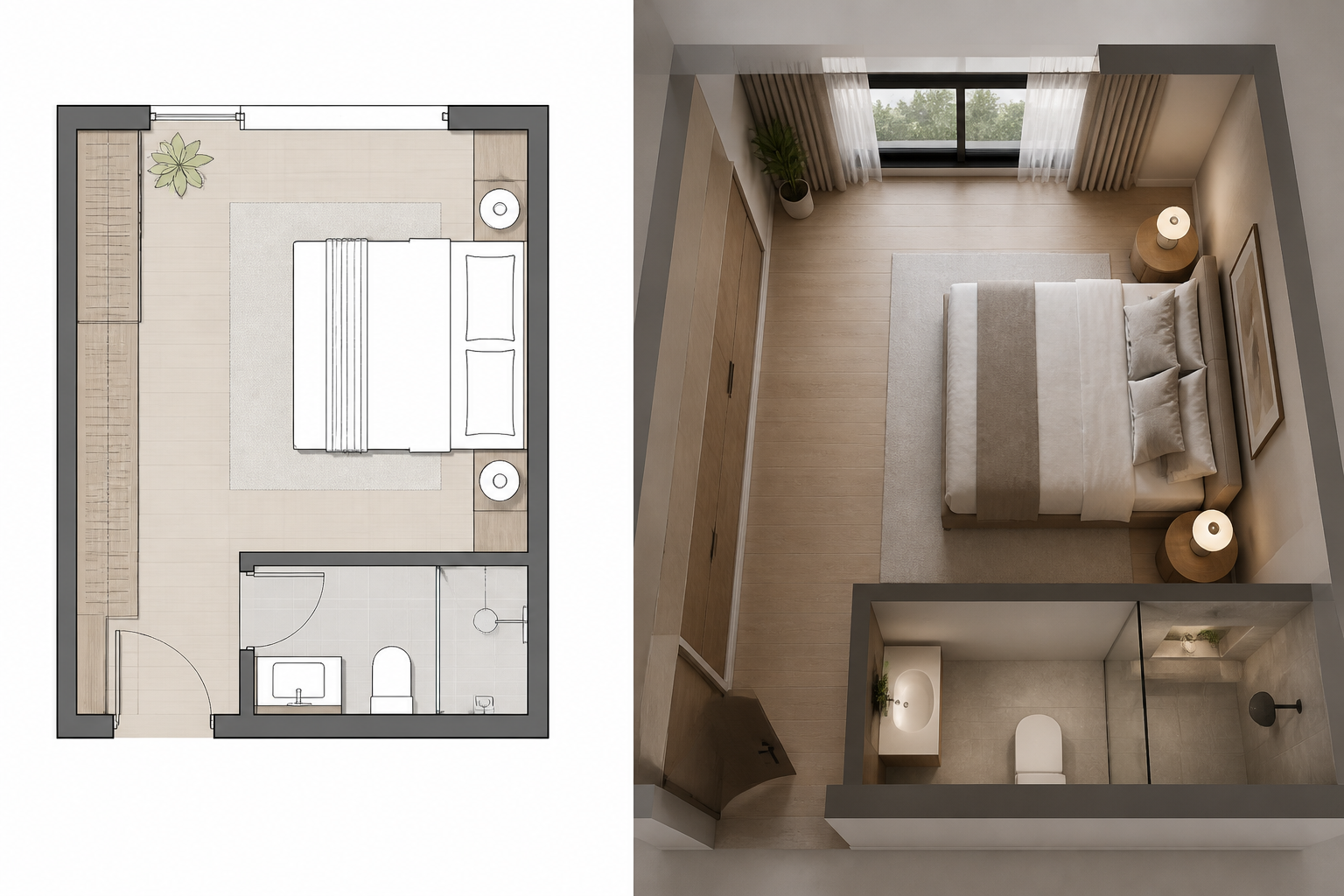
From floor plan to realistic view
Upload a floor plan and the app analyzes walls, doors and windows to generate an isometric 3D view, an eye-level render of the room you mark, or a tour of up to 8 chained views in the same style, ready to export as PDF.
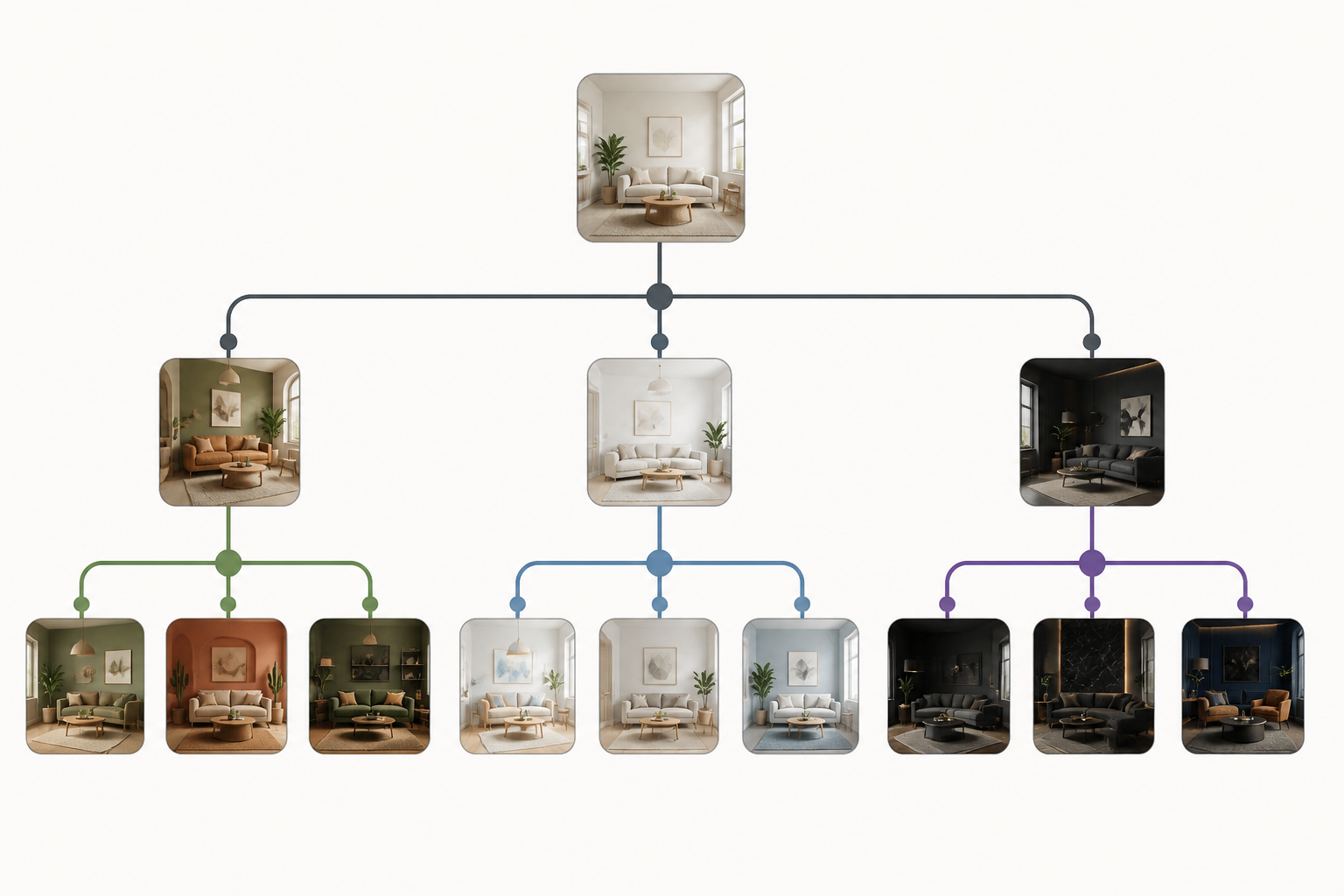
A version tree, not just a single photo
Each edit hangs off the previous one: go back to any point, open a new branch with another style, and compare two versions with the slider. Nothing gets overwritten and everything stays organized in your project gallery.
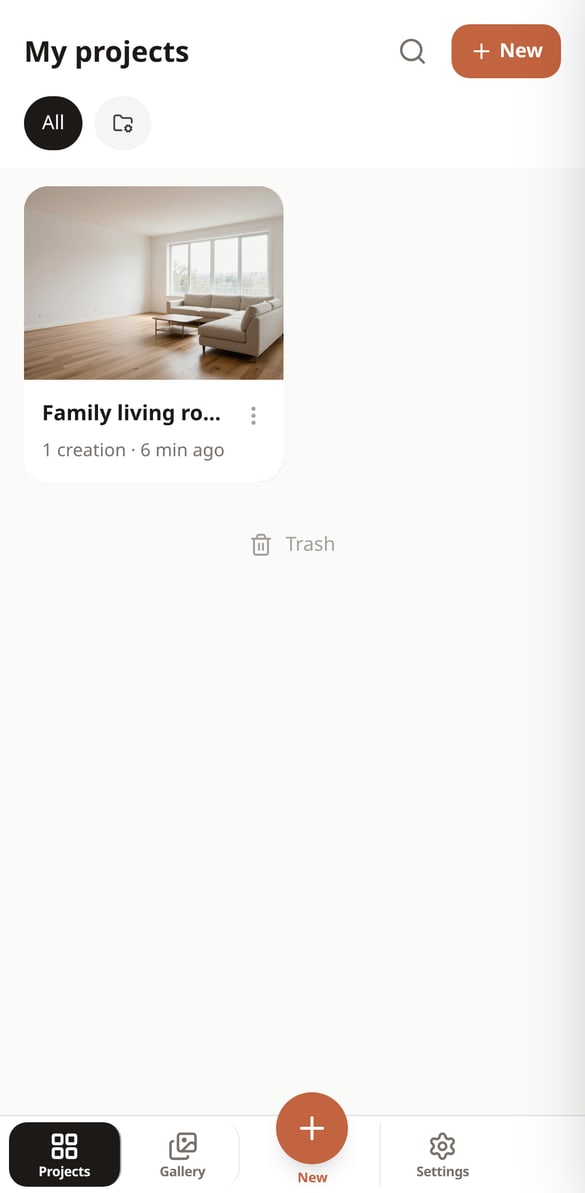
Your space redesigned in three steps
Sign up
Create your free account and open your first project in seconds.
Upload your photo or floor plan
A room, an infographic, a floor plan or an exterior. If you add real measurements, furniture comes out to scale.
Request the change
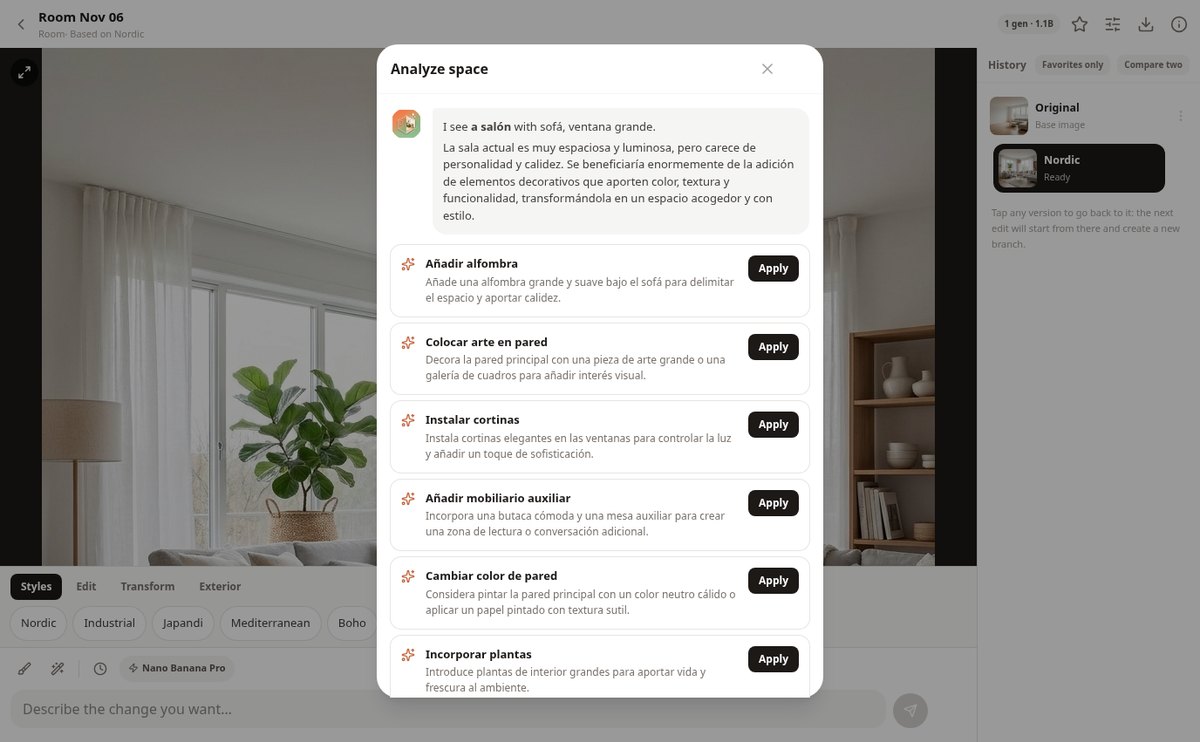
Choose a style or a quick action, mark the area if you want to narrow it down, and type what you're looking for. The new version appears in the tree in less than a minute.

Who is it for?
Built for these profiles
Frequently Asked Questions
Latest blog articles
Guides and news to get more out of it
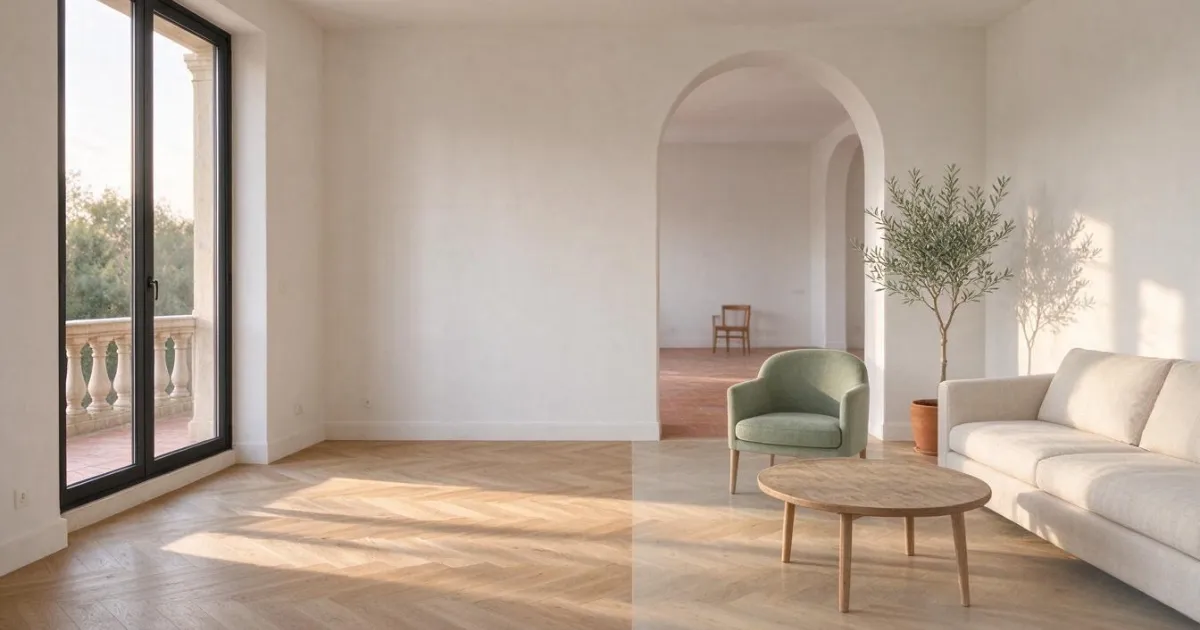
Virtual home staging with AI in 2026: how to tag photos to comply with the AI Act
Which AI-edited property photos need to be tagged from August 2, 2026, with what formula, where to place it, and what fine you risk.
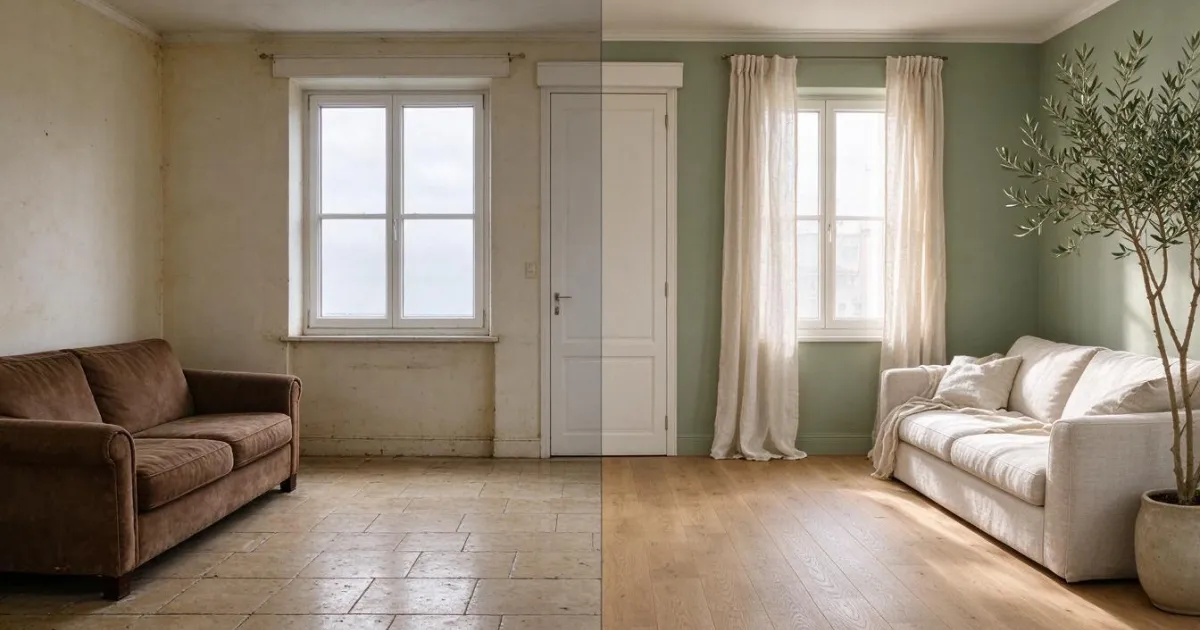
AI Renovation Simulator: how to see your finished home from a mobile photo
How to simulate a renovation with AI from a mobile photo: how to take the photo, the order to decide on flooring, paint, and furniture, and what it can't tell you.
Redesign your first space today
Create your free account and start with a photo of your living room.