Front Cover and Back Cover with AI
Describe the cover you imagine and the AI generates it in full-page KDP style; if it's not exactly that, you can request a change in one sentence and create a new version without losing the previous ones.
The cover is what decides whether someone opens your activity book on Amazon — and it's exactly where non-designers get stuck. In Activity Book Studio, you describe it with words, refine it until you like it, and choose which one goes on the book.
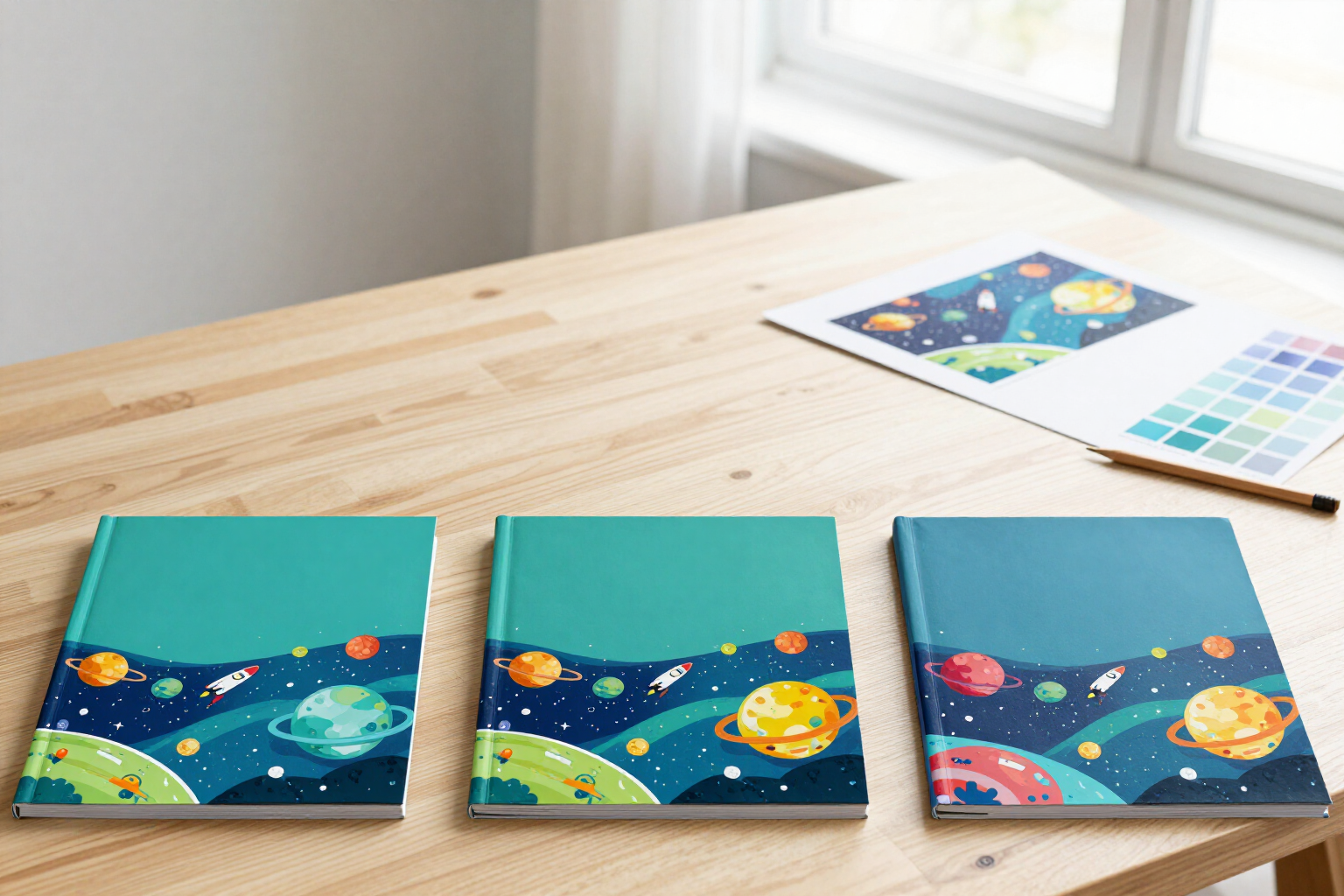
Within each Activity Book Studio book, you have the covers tab, with a toggle between front cover and back cover. You write in a text box what you want to see (for example, "a rocket launching among colorful planets") and the AI generates the image vertically in full-page, with full bleed and in the proportion required for an 8.5"x11" Amazon KDP book. The front cover is generated leaving space at the top, where the title would go; the back cover is generated with a smooth central area and little detail, so the sales text can be read on top.
If the first image is not what you had in mind, you don't start from scratch: you click "Refine" on the version that comes closest and only write the change ("brighter colors and add stars to the background"). The AI maintains the theme and style of that version and generates a NEW one, which is added to the gallery of book versions: v1, v2, v3… all are saved with the text you requested and you can return to any at any time.
When one convinces you, you click "Use this version" and it is marked as the final one for that side. That choice is what travels to the PDF: when exporting the cover, the app assembles the complete wrap for KDP with your back cover on the left, the spine calculated according to the number of interior pages and the paper (white or cream), your front cover on the right, the bleed, the back-cover text over a semi-opaque white box, and the reserved space for the barcode. You can also download the front and back covers separately in PNG.
Images are generated in the background: you launch a version and continue assembling puzzles while it completes. Activity Book Studio is the AIsToHire tool for creating activity books ready for Amazon KDP, and it is at https://aistohire.com/activity-book-studio-create-puzzle-books-kdp-137
Benefits of Front and Back Cover with AI
Without knowing how to design
you describe the cover in one sentence and the AI draws it; there's no need to open a graphic editor or search for licensed illustrations.
Refined by phrases, not from scratch
you request the change on the version you almost like and the AI retains the theme and style while applying what you asked.
Complete version history
each generation is saved as v1, v2, v3… with the text you wrote, so trying a new idea doesn’t make you lose the previous one.
You choose the final one
you mark a version on each side with "Use this version" and it’s the one that goes into the PDF of the cover; you can change it whenever you want.
Designed for the KDP format
vertical, full-page with bleed, with space at the top on the front for the title and a calm central area on the back for the sales text.
Front cover and back cover in the same place
the same switch and the same flow for both sides, each with its own version gallery.
The spine is not your problem
when exporting the cover, the app calculates its thickness with the number of pages inside and the chosen paper, and assembles the complete wrap.
Background generation
you launch the version and continue working on the book's puzzles while the image completes.

Your hobby book cover, described and ready
Create the book, describe the front cover and back cover, refine them until you like them, and download the complete wrap for Amazon KDP.